19
January, 2017
ALARMS
In the event of a machine malfunction, such as a jam, an alarm warning will display on the H.M.I. Touch
Screen. After an alarm has been triggered, the machine should be inspected and the alarm must be
reset. Alarms may be reset on the H.M.I. Touch Screen.
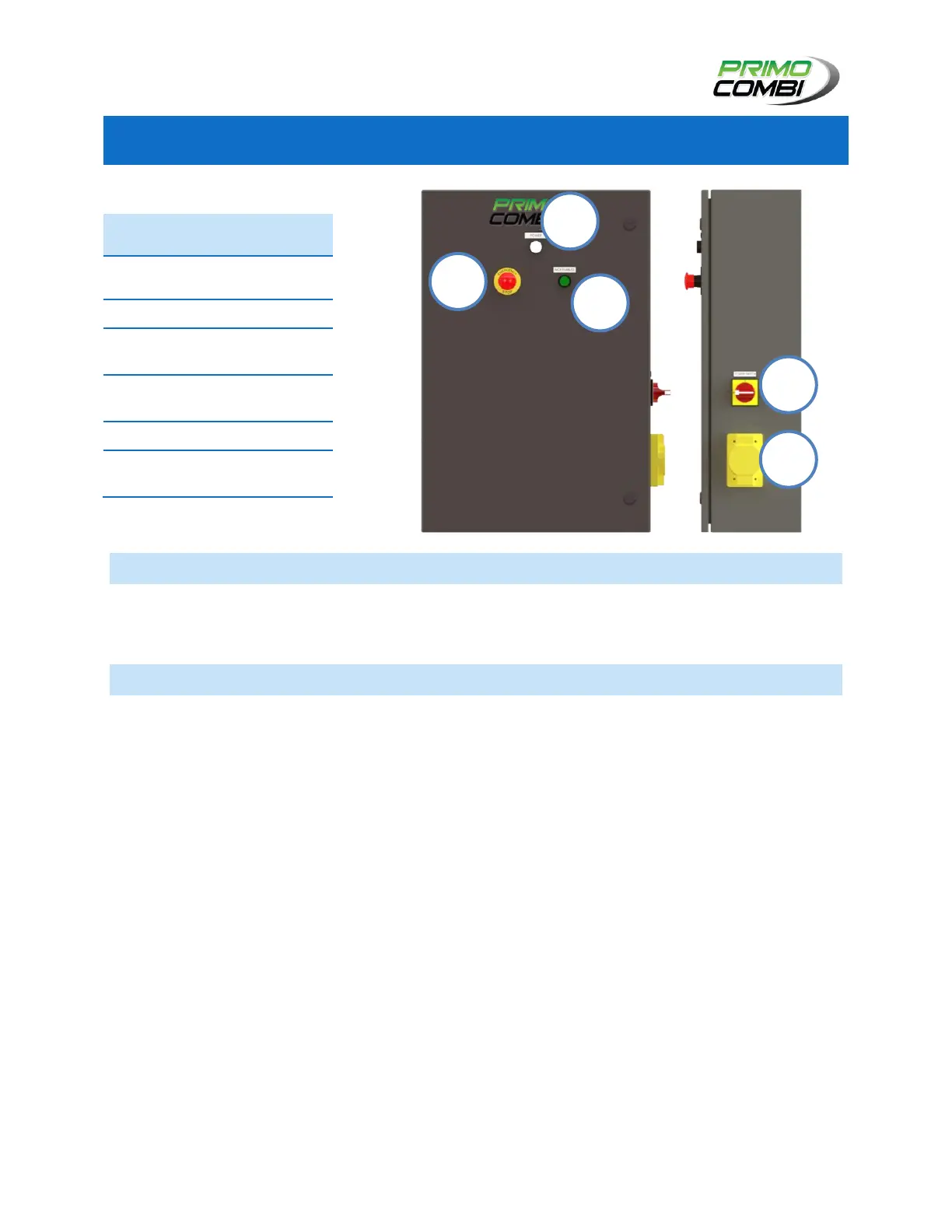
EMERGENCY STOP
In the event of an emergency, pressing the Emergency Stop button will cut power to the machine and halt
its moving parts. While the Emergency Stop remains depressed, stepper motors will stop and air will be
cut off from pneumatics.
Immediately following the use of the Emergency Stop button, the operator may also need to halt the
functions of any auxiliary machinery feeding the scale.
After having been pressed, the Emergency Stop button must be reset before the machine can be
operated. Pull out the Emergency Stop button, it should snap back into its original position. If Emergency
Stop button has been pulled out, press the “MCR Enabled” Button to reactivate the machine. The
machine should now be ready to run.



 To Next Page