91
January, 2017
MULTI MACHINE CONTROLS (OPTIONAL)
The out-of-the-box version of the 360 Operating System is set up to manage 5 scales simultaneously.
The 360 Operating System is capable of managing more, contact us for additional details.
New options become available when you are running in a multi-machine configuration.
GENERAL NAVIGATION
When running in a multi-machine configuration there will be two main methods of navigating your multiple
machines.
QUICK NAVIGATION
When zoomed in on a scale a blue button with the word NAV on it will appear at the top of
every screen.
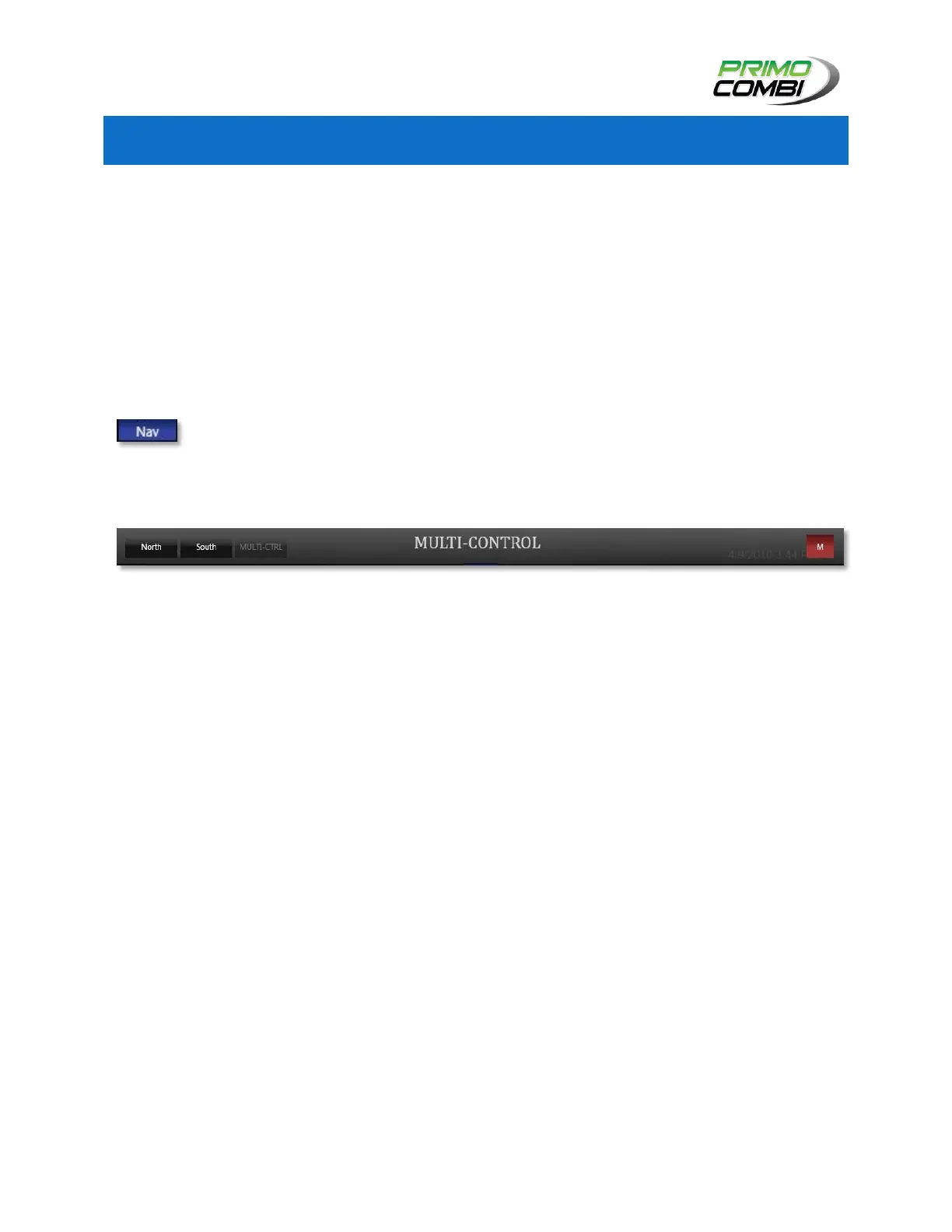
Clicking this button will open the quick navigation bar that allows you to swap between PrimoCombis.
Clicking this button again will minimize the quick navigation bar.
There are 3 sections on the quick navigation bar.
Machines – On the left will be a list of machines the 360 Operating System is currently controlling.
Clicking on the name of a PrimoCombi will zoom onto that PrimoCombi.
Title – In the center of the quick navigation bar is the name of the machine you are currently
zoomed onto.
Minimize – On the right is a red button with an M on it. Clicking this button will zoom out to the
Overview Navigation screen.



 To Next Page