92
January, 2017
OVERVIEW NAVIGATION
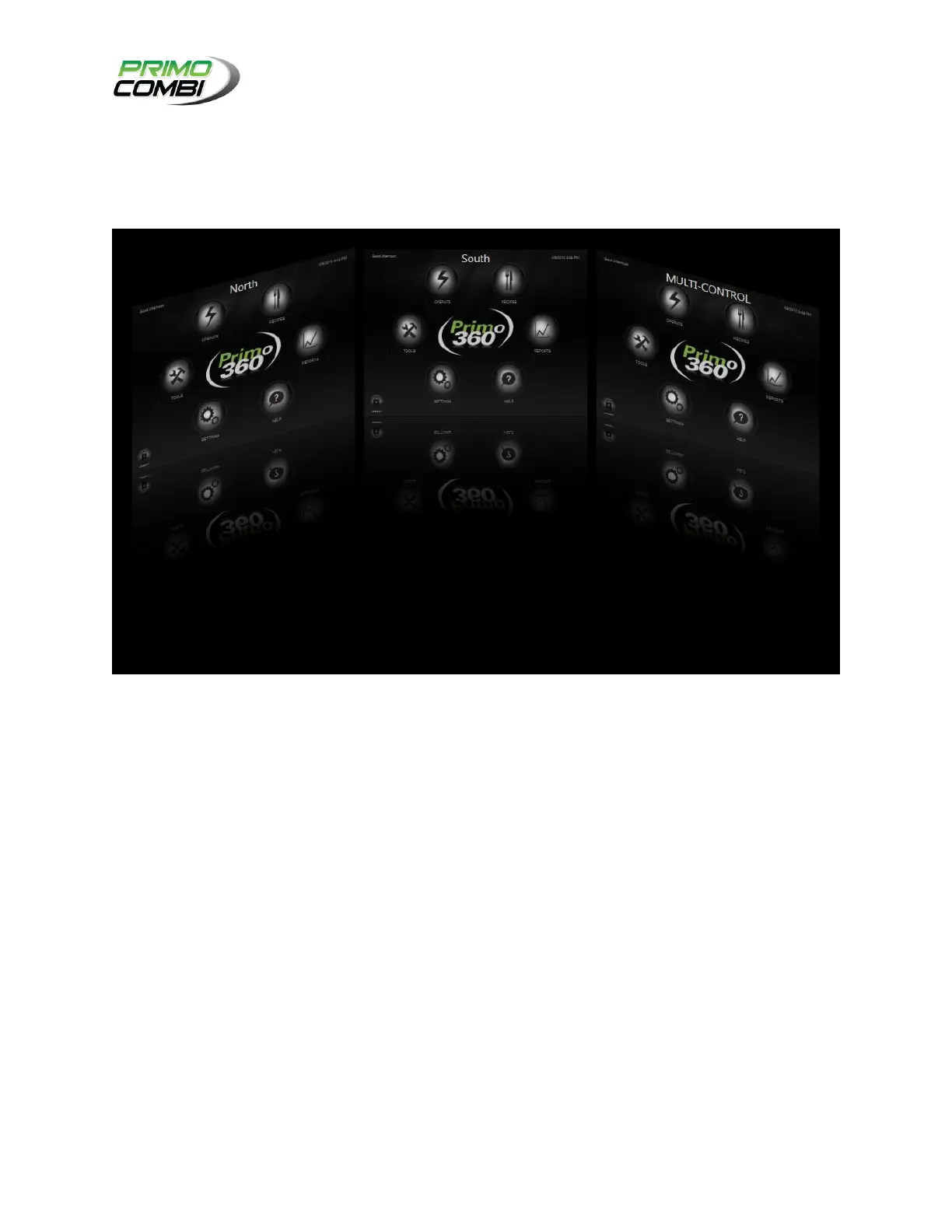
The Overview Navigation allows you to view all machines simultaneously. To zoom in on a PrimoCombi
simply touch the PrimoCombi that you wish to zoom in on. This will maximize the PrimoCombi screen and
allow you to control a single PrimoCombi.
MULTIMACHINE OVERVIEW SCREEN
MULTI-CTRL SCREEN
When running in multi-machine mode a new screen will appear. This is the Multi-Control screen. From
this screen you can configure and run all your scales simultaneously. There are a couple of key
differences between a PrimoCombi screen and a multi-machine screen. These are outlined below.
HARDWARE SETTINGS
When opening the Hardware Settings on a Multi-Machine configuration you can edit the hardware
settings for all your PrimoCombis from the same place. If a setting has a black square (using the
PrimoCombi theme, refer to Configuring Your Software) it indicates that your scales do not all have the
same value. Making a change on this page and clicking Save will alter the settings for all PrimoCombis
currently being controlled.



 To Next Page