93
January, 2017
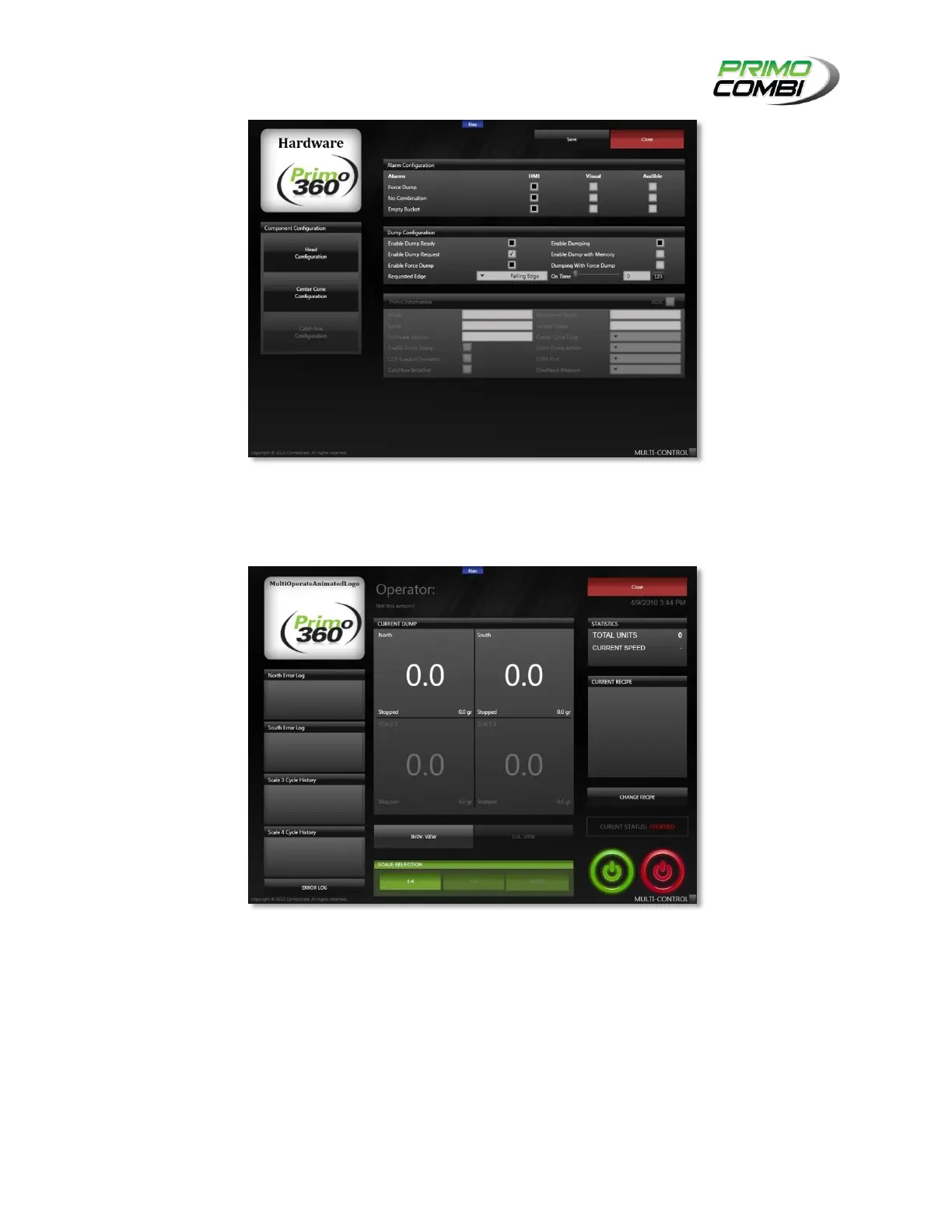
Hardware Screen
OPERATE
The Operate screen on the Multi-Control section allows you to operate all your machines simultaneously.
MultiMachine Operate Screen
WEIGHT AND ERROR LOGS
On the left-hand side of the Multi-Operate screen are the weight and error logs. When a combination or
an error on a PrimoCombi occurs, it will be recorded in this window. Clicking the Error Log button will
toggle between Weights and Errors.
CURRENT DUMP
There are two different views to choose from on the Multi-Operate screen for viewing the current dump.



 To Next Page