Add a User Code and Test Your Lock
Add a User Code.
1. Press PROG
2. You will hear 2 long beeps
3. Press1 2
4. Press PROG
5. You will hear 1 short beep
6. Enter a new 4-8 digit User Code
7. Press PROG
8. You will hear 1 long beep if successful. If you hear 3 beeps, it was unsuccessful. Repeat from step 1 slowly.
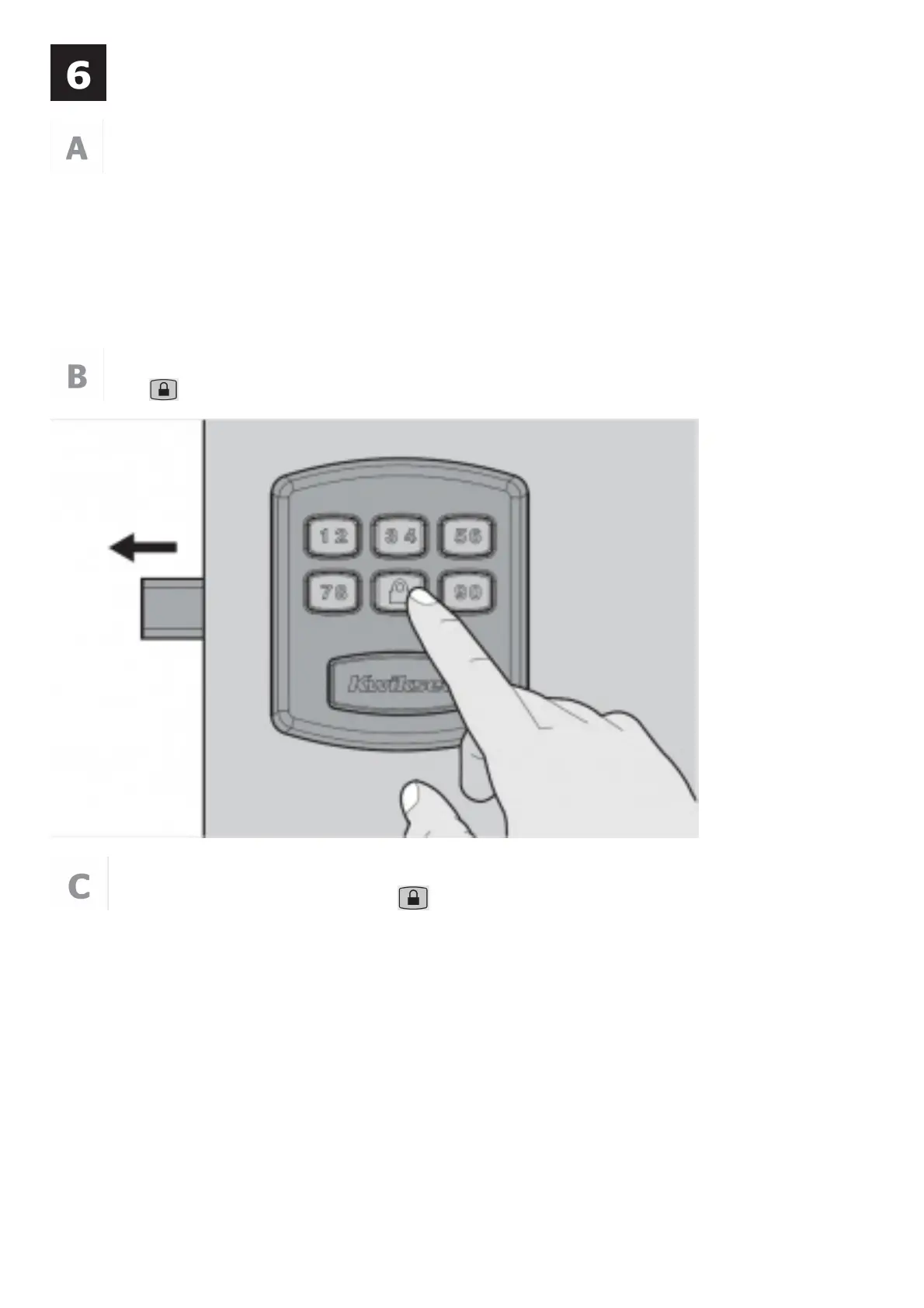
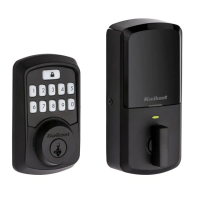
Press the button. The latch will extend to lock.
Enter your User Code and press the button. The latch will retract to unlock.


 To Next Page