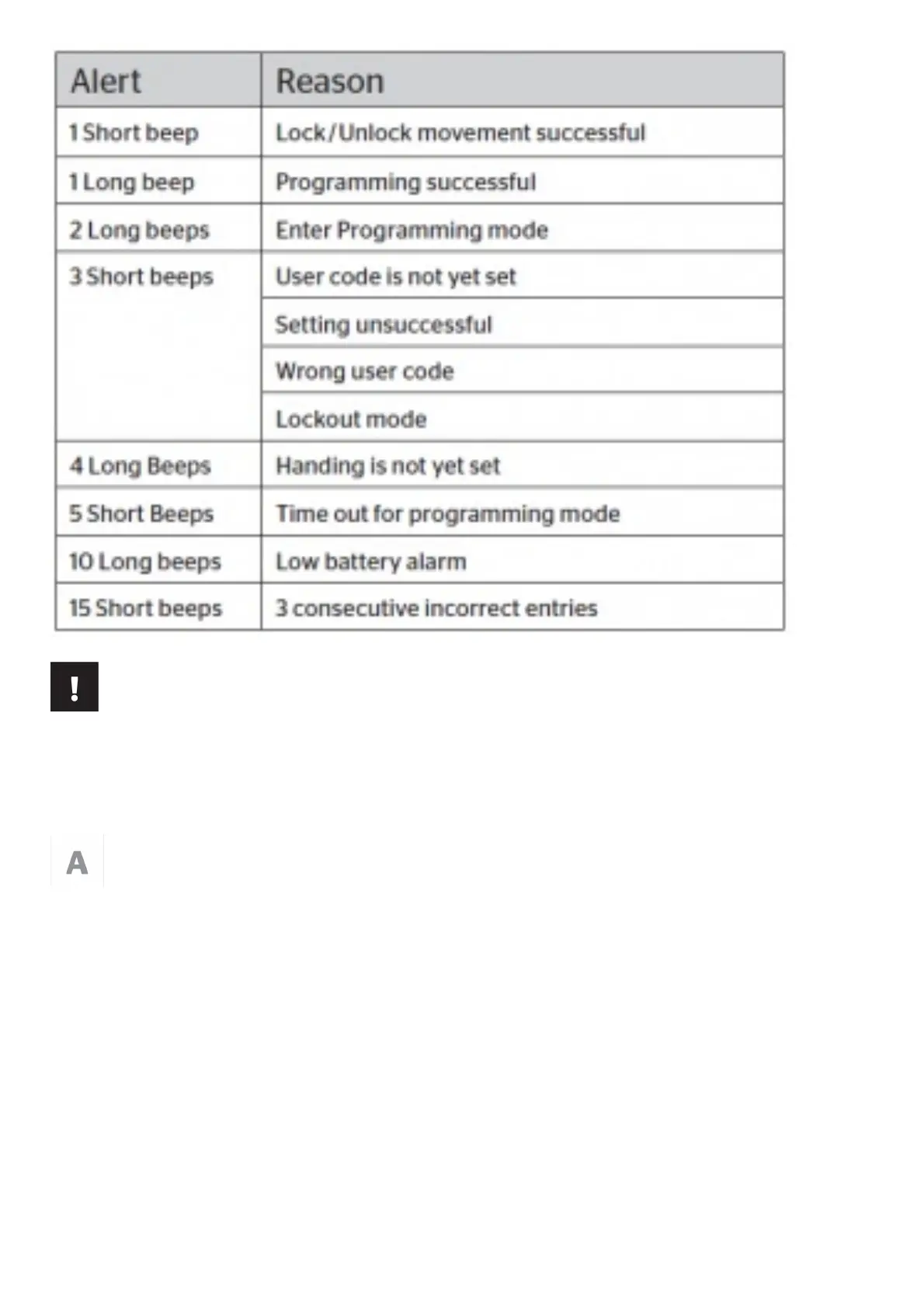
Low Battery
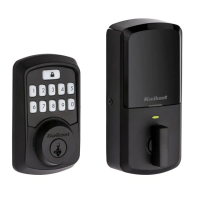
If the 4 AA batteries are too low to operate the lock, use a 9-Volt Alkaline battery to temporarily power the lock.
Make sure both terminals on the 9-Volt battery touch the terminals below the keypad. When lock has enough power
you will hear 3 short beeps. Hold the 9-Volt in place while entering your user code to unlock the door. Continue
holding the 9-Volt in position until the door unlocks.
Note: If you remove the battery before the door unlocks, you will need to re-enter your user code
Remove the terminal cover.


 To Next Page