EasyManua.ls Logo

Welch Allyn 5002 - Service Manual

Welch Allyn 5002
136 pages
Print Icon
To Next Page IconTo Next Page
Loading...
Welch Allyn Masted Scales with USB
Connection
Service Manual
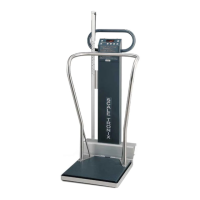
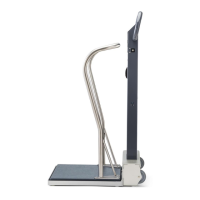
Model 5002 Mobile Stand-On Scale
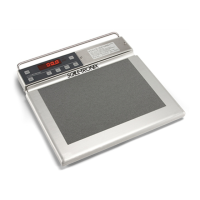
Model 5122 Stand-On Scale
Model 5702 Mobile Bariatric Scale
Model 6002 Wheelchair Scales
Model 6702/SP/W Mobile Bariatric Scale

Other manuals for Welch Allyn 5002

Questions and Answers

Welch Allyn 5002 Specifications

General IconGeneral
DisplayLCD
Auto Power OffYes
Weight Resolution0.2 lb / 0.1 kg
ConnectivityUSB
Graduation0.2 lbs (0.1 kg)
Power SourceAC adapter
Platform Size15.75" x 13" (40 cm x 33 cm)

Summary

Safety Information

General Warnings and Cautions

Provides essential warnings and cautions for safe operation and handling of the scales.

Maintenance and Configuration

Firmware Upgrade Process

Step-by-step guide for upgrading the firmware of the Welch Allyn Masted Scales.

Calibration

Calibration Procedure

Step-by-step guide for calibrating the Welch Allyn Masted Scales.

Model-Specific Disassembly

Troubleshooting

Scale Troubleshooting (Beeps & Messages)

Explains scale beeps and display messages for troubleshooting.

Symptoms and Solutions

Lists common symptoms and their corresponding corrective actions for scale issues.

Related product manuals