F
The ination pressure selection (mmHg/kPa) can be done in 1x,
, or Manual Mode. The default setting is “AUTO”
F
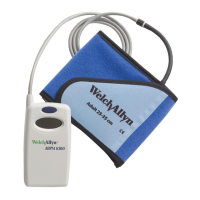
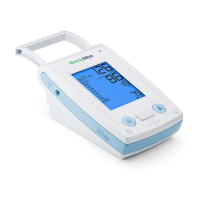
When set to AUTO, the ProBP 2400 will automatically determine
the maximum ination pressure as it inates the cuff.
Set maximum ination pressure
1) Press and hold the M Button for 3 seconds until the column
with pressure values ashes.
2)
Press the Start/Stop Button to select the preferred pressure
value (after value ‘260’ has been reached the next selection
option will be “AUTO” at the bottom of the list)
3) Press the M Button to conrm the selected value.
Push and hold for 3
seconds...
3 sec.
If the maximum ination pressure selected (or the
maximum ination pressure as determined while in
AUTO mode) is not adequate to determine systolic
pressure, the device will reinate to a pressure 30
mmHg higher than the previous ination pressure and
attempt another cycle. This can be repeated increasing
the maximum ination by 30 mmHg each time. If a
maximum ination pressure of 280 mmHg is reached,
and the ProBP 2400 is unable to determine a blood
pressure, an error code will be displayed.
It is recommended at this point to switch to the manual
mode and determine blood pressure with a stethoscope
using traditional Korotkoff method. (See «Manual»
Mode)


 To Next Page
 Loading...