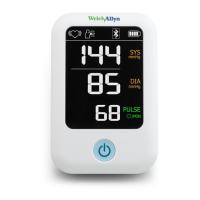
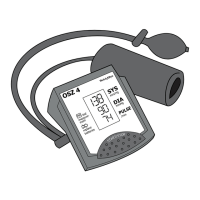
Setting measurement interval times in
«
» Mode
The default measurement interval time is 60 seconds. The
interval times can be set as 15, 30, 45 or 60 seconds.
1) Press and hold the Start/Stop Button for 3 seconds.
Press and hold for 3
seconds...
2) Press the M Button to adjust the measurement interval
time, then press the Start/Stop Button to conrm. The
device will go back to ‘Stand by’.
15 30
60
45
3 sec.


 To Next Page
 Loading...