AT-2plus User Guide Spirometry Supplement Page 3
Art. No. 2. 510339wa ©1999
AT-2plus User Guide Spirometry Supplement Page 3
Art. No. 2. 510339wa ©1999
Procedure Overview
WARNING
FALSE MEASUREMENTS CAN RESULT WHEN THE SENSOR IS NOT HELD VERTICALLY - ALWAYS
ENSURE THAT THE SESOR IS HELD UPRIGHT AT ALL TIMES.
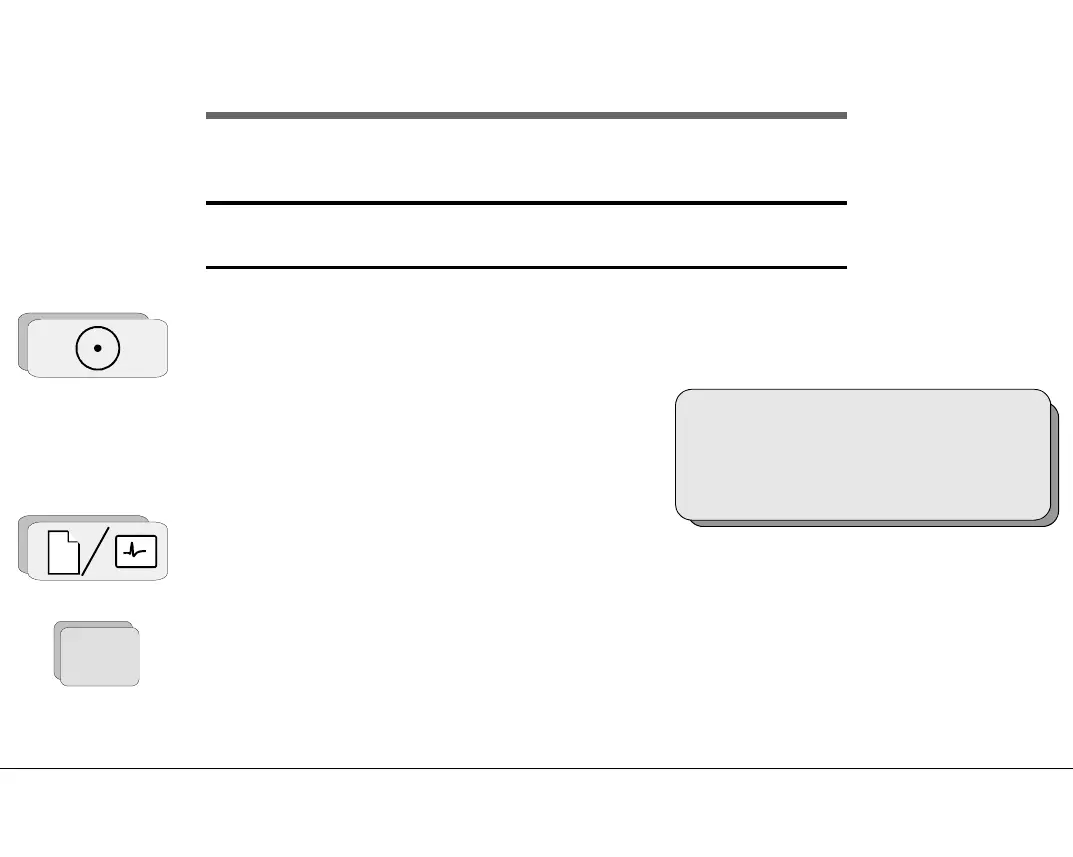
1. Switch unit on, press ON, the introductory screen is displayed:
2. Press key `ALT` and `P` to enter the Spiro Mode
3. Press the Patient key and enter patient data - see page 11.
4. Press the ALT Key to display the menu options.
The pulmonary menu is displayed:
SP-250
ALT + C = ECG ALT + P = SPIRO
ALT
Procedure Overview
WARNING
FALSE MEASUREMENTS CAN RESULT WHEN THE SENSOR IS NOT HELD VERTICALLY - ALWAYS
ENSURE THAT THE SESOR IS HELD UPRIGHT AT ALL TIMES.
1. Switch unit on, press ON, the introductory screen is displayed:
2. Press key `ALT` and `P` to enter the Spiro Mode
3. Press the Patient key and enter patient data - see page 11.
4. Press the ALT Key to display the menu options.
The pulmonary menu is displayed:
SP-250
ALT + C = ECG ALT + P = SPIRO
ALT














 To Next Page