14
How to type text message
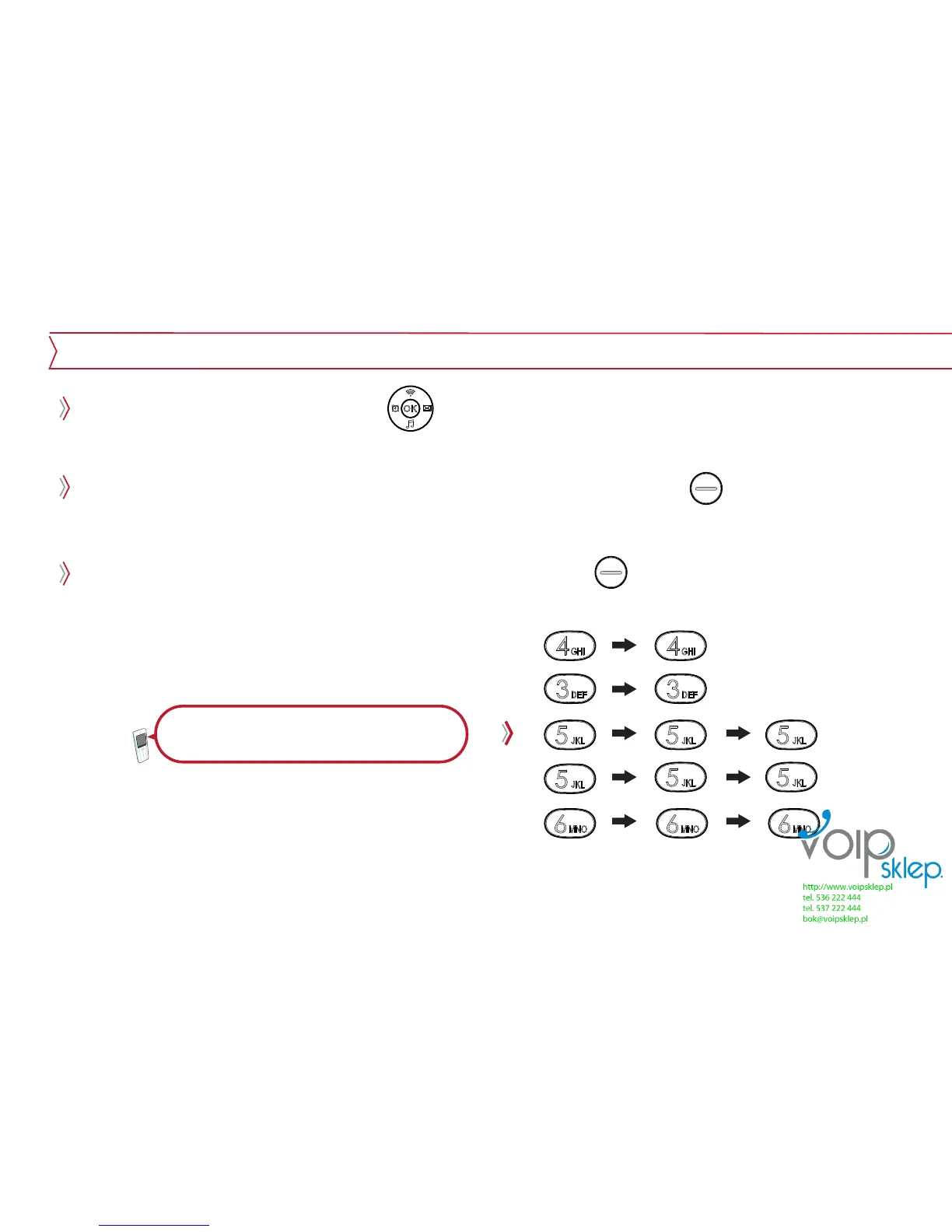
During typing message, by using button, user can move cursor up/down/left/right. And
characters can be edited or inserted.
Characters in front of cursor get erased one by one when right soft key is pressed. And when
it gets pressed for a few second, all the character gets erased.
Users can use the numeric mode by pressing right soft key .
Typing text message
For example, to type “Hello”


 To Next Page