Reference
43
1. At standby screen, select menu → setting → Display setting → Time setting →
Change time.
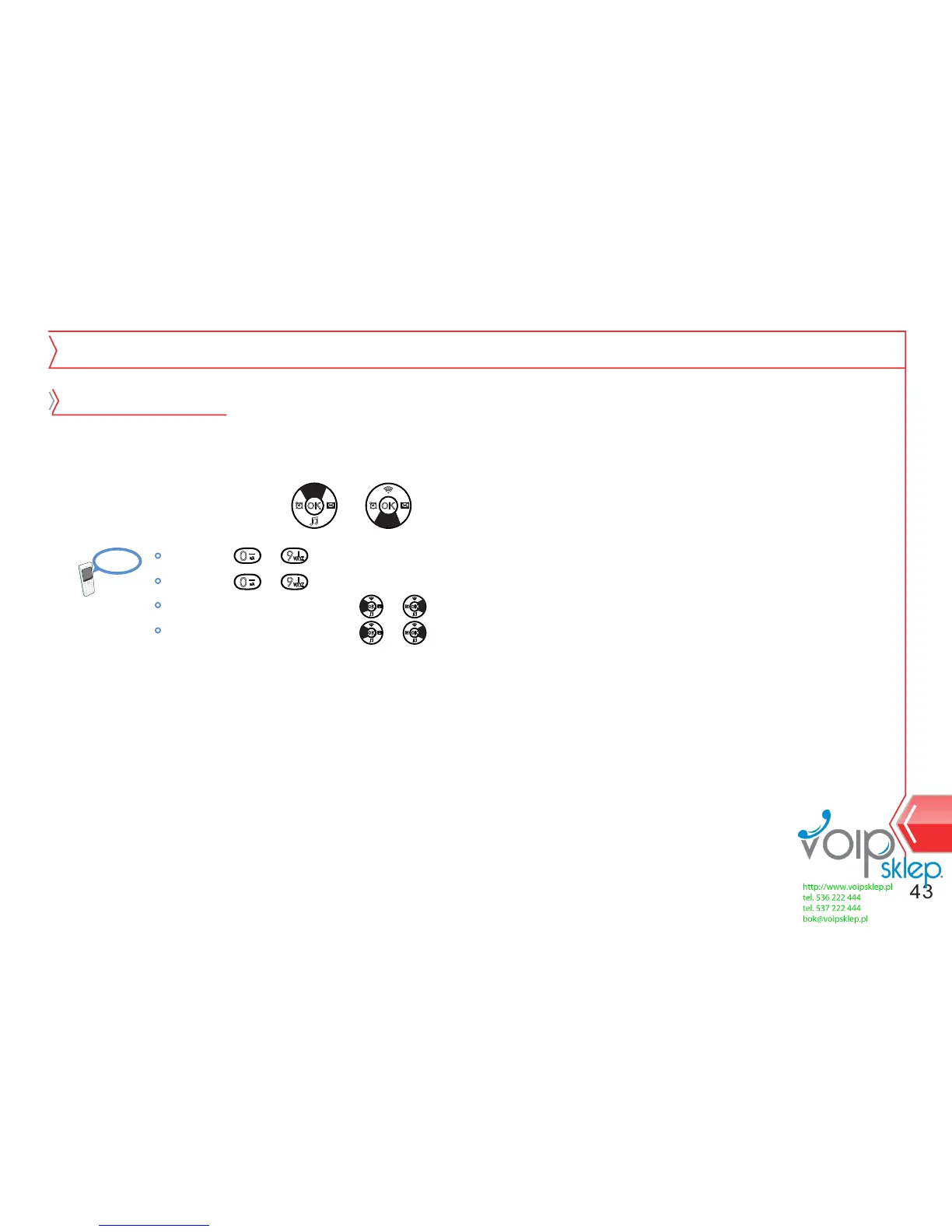
2. Select item by using or key.
Setting
Time and Date
Time setting
By using ~ buttons, enter the current time.
By using ~ buttons, enter the current date.
Adjust the time form by using or key.
Adjust the date form by using or key.
3. Save the time and date setting by pressing menu button.


 To Next Page