41
User can set the many personal settings like wallpaper, light, time, language, automatic
key password of the phone.
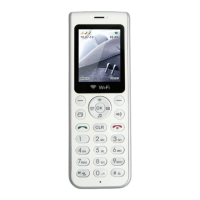
1. At standby screen select menu → setting → display setting → Wallpaper.
2. Select by using direction key or , and user can check the wallpaper
by pressing menu button.
3. When user presses menu button, selected wallpaper will be set as standby screen.
Setting
Wallpaper setting


 To Next Page