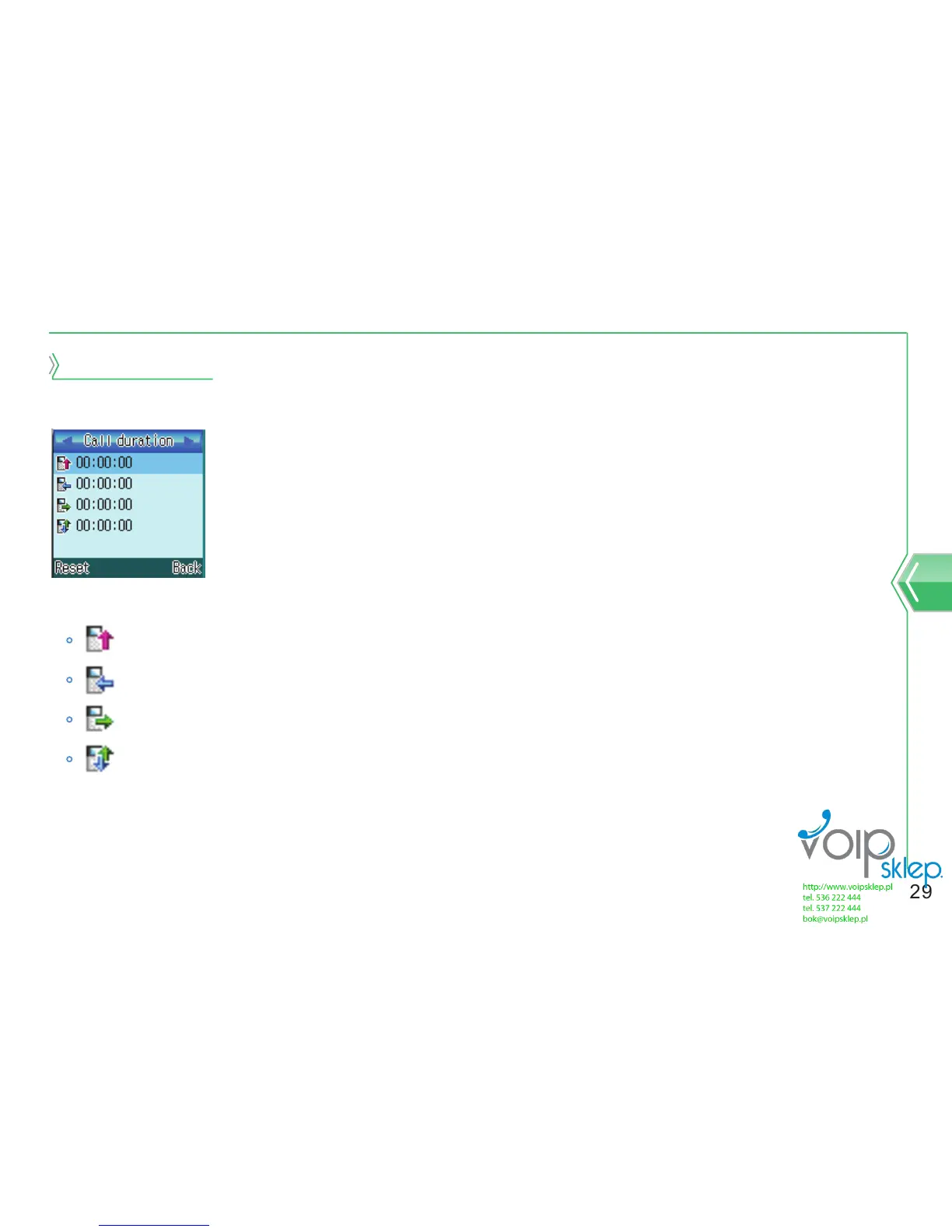
Call duration
It shows last call, received call, sent call and call time.
1. At standby screen, select menu → call history → call duration.
represents last call duration.
represents received call duration.
represents sent call duration.
represents all call duration.
2. When you press menu button after selecting call duration, time initialization screen will
come up.
To reset the time, select yes or no to not reset the time.


 To Next Page