Reference
55
Setting
1. At standby screen, select Menu → Setting → Reception switch.
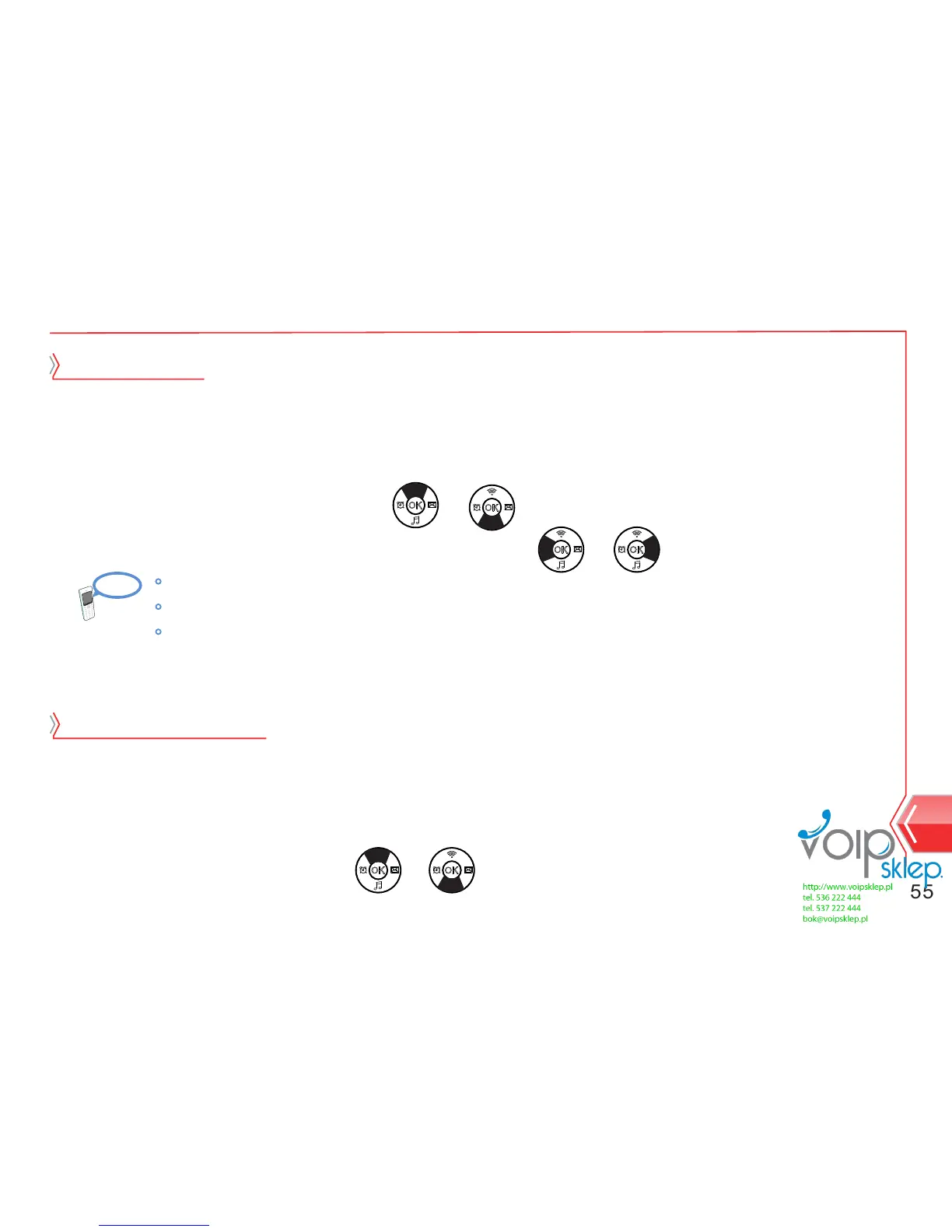
2. Select option item by using or button.
When call is received, user can switch to other number.
Reception switch
1. At standby screen, select Menu → Setting → Call setting.
2. Select response mode by using or key.
3. Select response mode, that user wants, by using or button.
4. Save call setting by pressing menu button.
Call setting
Call setting for responding for the calls.
Call key : Call reception is available by only call key.
All key : Call reception is available by all key.
Automatic response : Automatic response function when the phone receives a call.


 To Next Page