Reference
57
Setting
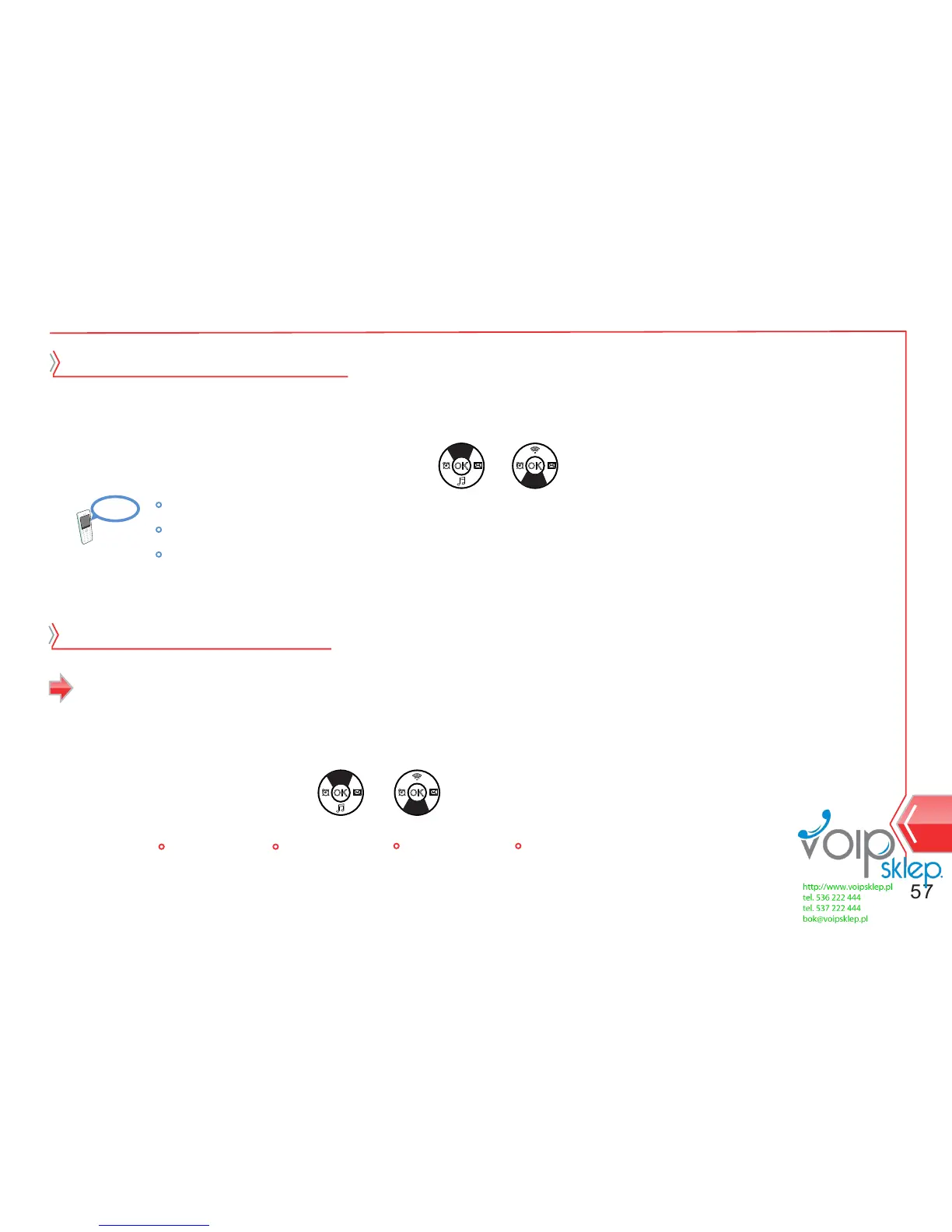
1. At standby screen, select Menu → Setting → Call lock.
2. Select call lock code change by using or button.
Change code for call lock
3. Save the setting by pressing menu button.
Enter the current password.
Enter the new password.
Re-enter the new password for verifying.
1. At standby screen, select Menu → Setting → Block sending/receiving → receiving.
2. Select option by using or button.
3. Save the setting by pressing menu button.
Block sending/receiving
Receiving
Off ALL 060 070


 To Next Page