23
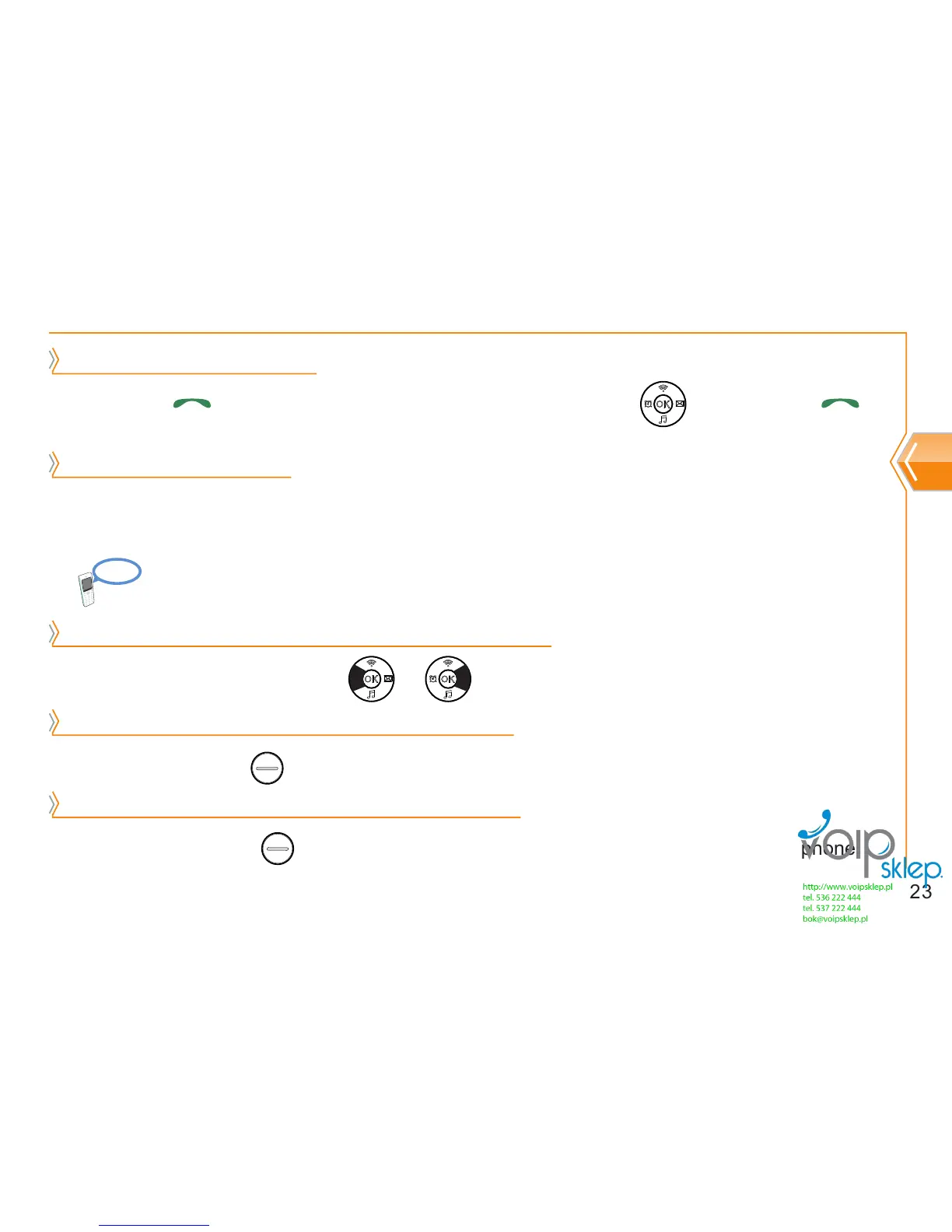
Calling to recent number
Phone instruction
Calling by speed dial
Regulating ear speaker volume during phone call
Muting transmission sound during phone call
Switching to speaker phone during phone call
After pressing at standby screen, select phone number by using key, and press
again.
Press short cut number for a few seconds. However, if shortcut number is more than 2 digits, press
the last digit of the shortcut number for a few seconds.
Regulate phone volume by using or during phone call.
Be close to designated AP during phone call because distance from the AP can cause noise.
By using right soft key , transmission sound can be blocked during phone call.
By pressing left soft key , user can switch from serve menu to speaker phone or earphone
during phone call.
Reference


 To Next Page