11
© wePresent 2017
NETWORK DEPLOYMENT USER GUIDE
4
Connecting to WiPG/WiCS Device
4.3 Target a single wePresent
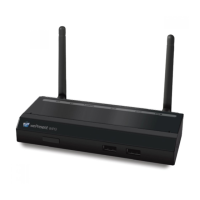
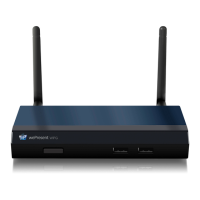
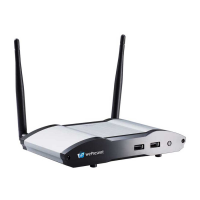
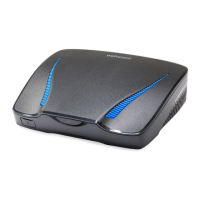
Use one of the ‘Direct IP Methods’
When users are located in a restricted network segment (VLAN), MirrorOp will not detect
wePresent units located in other network segments. Users that are connecting from a different
VLAN, or users that simply want to connect to a certain wePresent, can use our Direct IP Methods
to target a wePresent:
- Manual Input IP, or Hostname
- Guest Executable le - see page 12
- Plug & Show USB - see page 12
- Device Prole (.mop) - see page 12
- Favorites
- PresentSense
The methods listed below are IP-bound allowing a straight connection to a single target
wePresent. These methods don’t reply on a Device Discovery scan allowing them to traverse a
segmented network. In order to communicate to a wePresent, any rewall settings must allow port
communication between the use;’s and the targeted wePresent’s IP address.
Make Device Discovery traverse VLAN’s
Device Discovery is designed to limit unwanted activity over the entire network, however, it can be
manipulated to work over multiple VLAN’sthrough alternative ways. Modifying Device Discovery
should only be attmpted by qualied IT professionals.
Forward UDP Broadcast
The Device Discovery protocol uses a standard UDP broadcast. Network switches can be
congured to forward these broadcasts to the wePresent’s network segment.
VLAN Tagging
‘VLAN tagging’ can allow Device Discovery locate wePresents in other network segments.
Correctly congured VLAN tagging will allow Device Discovery to detect wePresents located in
other ‘stacked VLAN’s’.



 To Next Page