3
© wePresent 2017
NETWORK DEPLOYMENT USER GUIDE
3
WiPG/WiCS Device Installation
To Present content to a wePresent, users will need to rst make a connection.
Users can either connect to the wePresent’s own Wi-Fi signal, or when wePresent
is network-connected, through the local (wireless) network infrastructure.
3.1 Stand-Alone Connection Mode
No ethernet connection, own Wi-Fi signal on
Most wePresent models are able to broadcast their own Wi-Fi signal, becoming an access point/
hotspot that users can log on to present. Our range of models offers different broadcast options,
ranging between 2.4 GHz and 5 GHz (ac). All wePresent models that have ability to produce
Wi-Fi, can be used as stand-alone units, creating a secure wireless presentation environment. All
wePresent models support various levels of data encryption, ensuring your content is shared
safely and secure.
NOTE: Wi-Fi interference can cause of lag during a presentation. To ensure optimal conditions for
wireless presentation, always make sure that wePresent’s Wi-Fi channel is correctly separated from
other Wi-Fi activity, and that Wireless Access Points are not obstructed, or too far away.
Recommended Enviroment
Small to medium size room with clear Wi-Fi having no
more than 5 other access points.
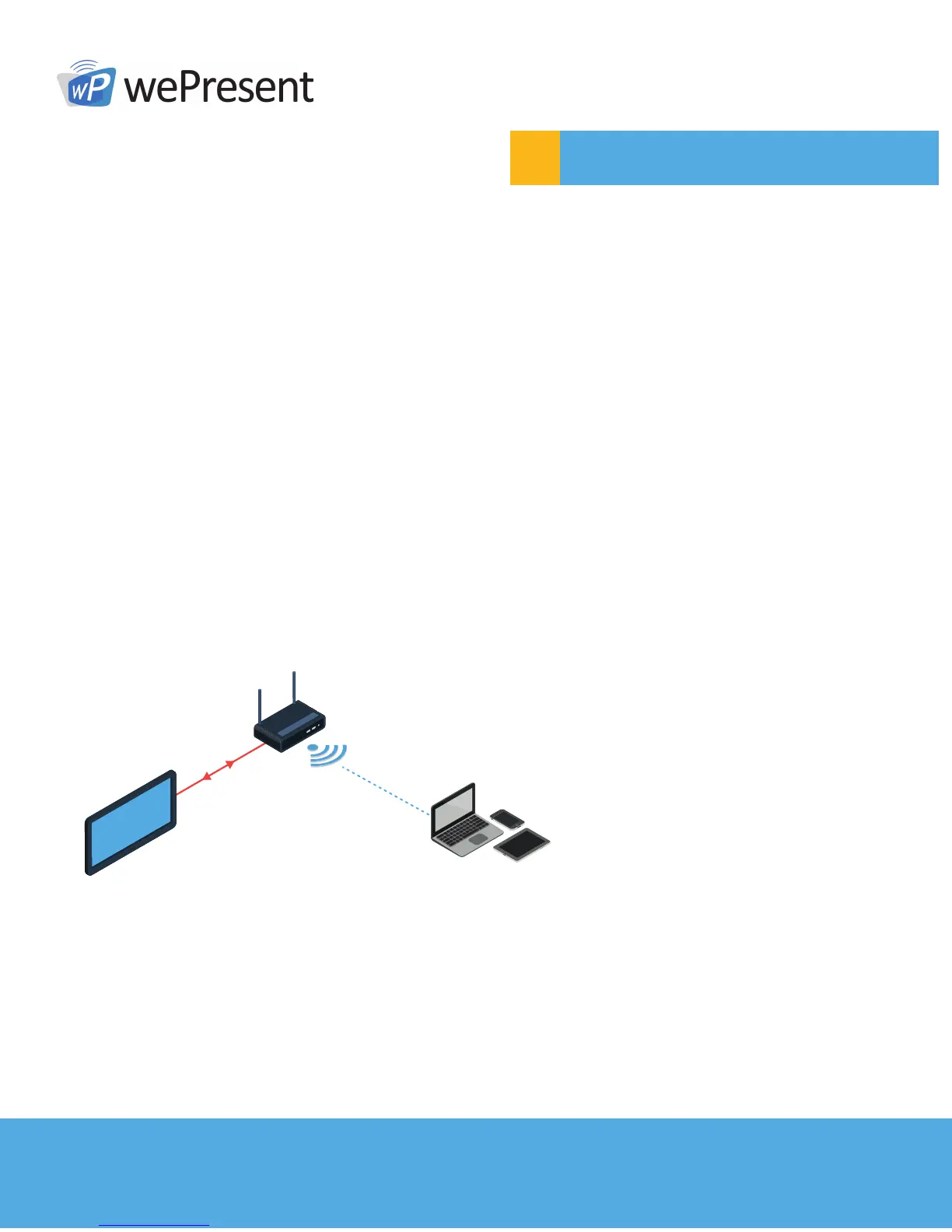
Stand-Alone Connection Mode
Basic Diagram
W iPG/WiCS
DISPLAY



 To Next Page