Important things to know before starting…
Reviewing Firmware Files
Firmware updates will be made available on the FJ400 product page (https://www.westcott.com/4700)
to improve the performance of the FJ Wireless System. Please review ALL documentation that’s included
with each firmware download to ensure all of the necessary steps for preparation are complete before
installing the firmware.
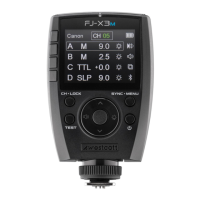
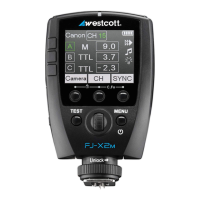
TTL ±3 Flash Exposure Compensation (FJ400 & FJ-X2m)
±3 TTL Flash Exposure Compensation (FEC) on the FJ-X2m is independent of the Flash Exposure
Compensation (FEC) on the FJ400 Strobe. Meaning, a change of the FEC ±3 on the FJ-X2m will adjust
the light output in TTL mode, however, the FJ400 screen will not indicate the FEC changes made on the
FJ-X2m. The FJ400 FEC can be further adjusted ±3.
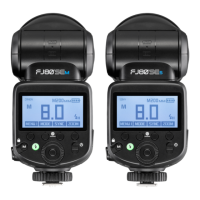
Set the strobe display to show both the FJ400 Strobe FEC (large letters) and the FJ-X2m Wireless Trigger
FEC (small letters) by turning the M->TTL setting to ON in MENU 6 on the FJ400. Learn more about
accessing the FJ400 Menu Settings in the section titled “Menu Screen #6“.
Canon Continuous Mode
When photographing in Canon Continuous Mode, two overlapping-squares will be visible on the FJ400
screen and the FJ Wireless System will default to Manual Mode disabling TTL and HSS functionality. Exit
Continuous Mode on the Canon camera to resume TTL and HSS functionality.


 To Next Page