GETTING STARTED
12
WD MY CLOUD PERSONAL CLOUD STORAGE
USER MANUAL
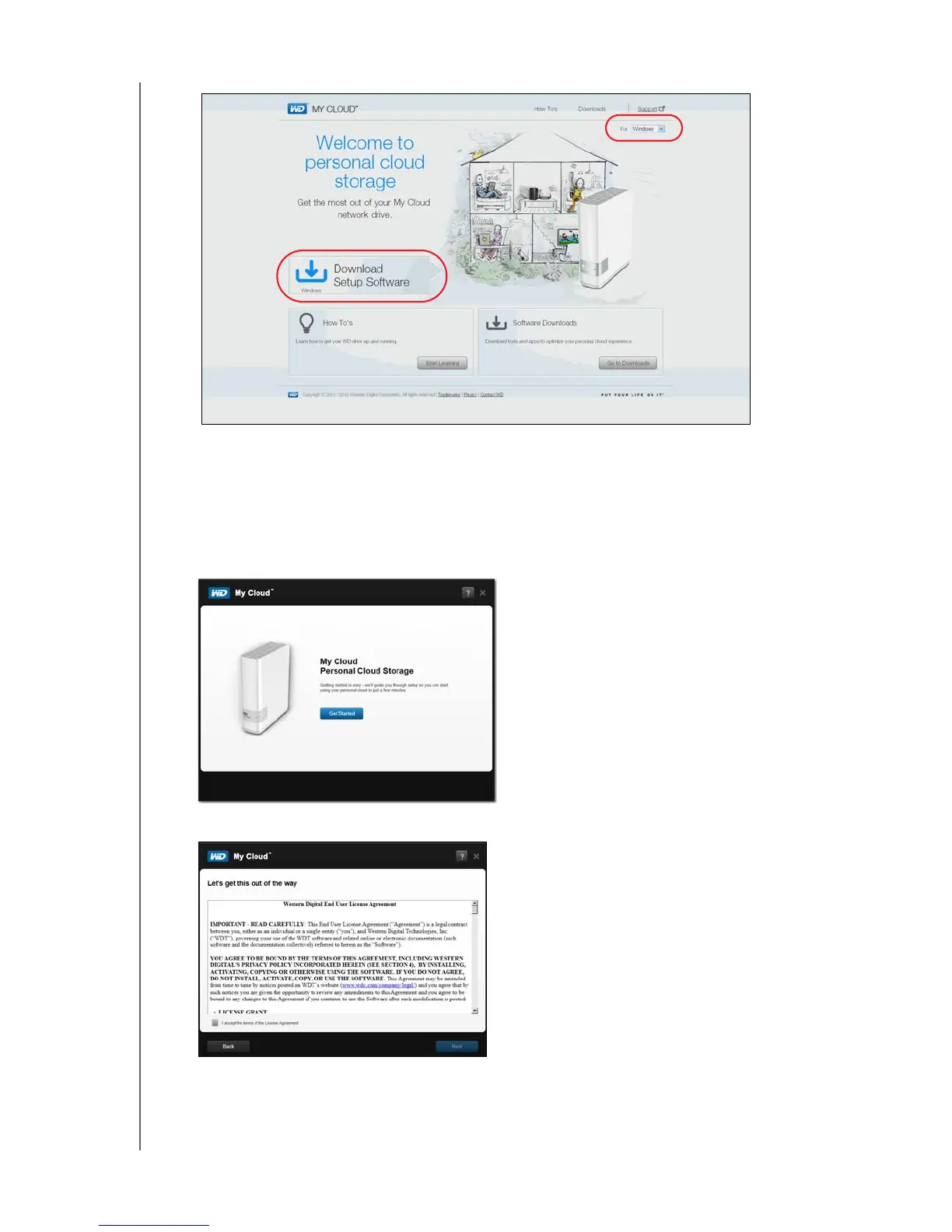
Note: The online Learning Center automatically detects your operating system
(OS). If you’d like to download setup installer for a different operating
system, select your OS from the pull-down menu at the top right of the
page before clicking Download Setup Software.
4. Click Download Setup Software. The My Cloud Personal Cloud Storage screen
displays:
5. Click Get Started.
6. Read the Western Digital License Agreement that displays; then select the “I accept ...”
check box and click Next.















 To Next Page