GETTING STARTED
13
WD MY CLOUD PERSONAL CLOUD STORAGE
USER MANUAL
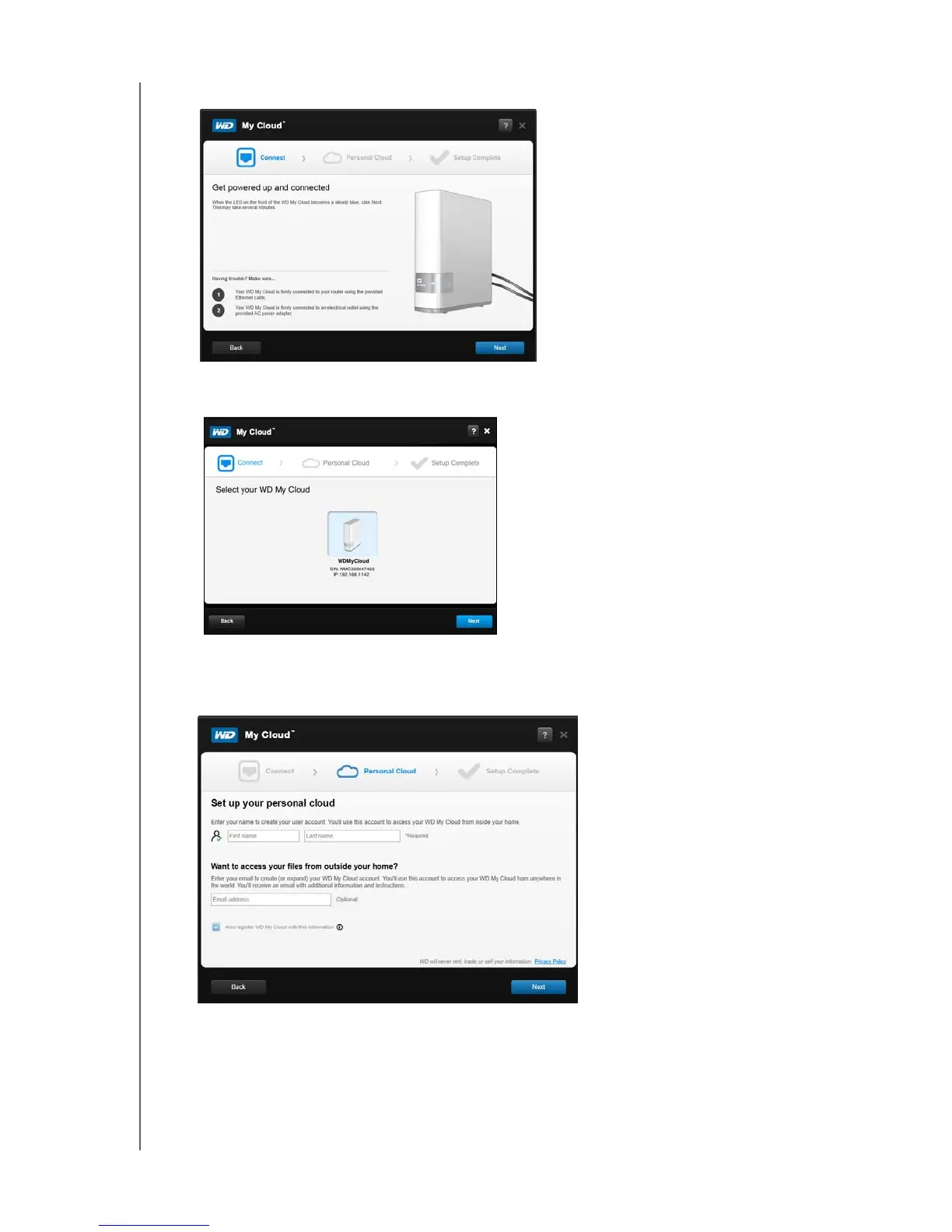
The Get Powered Up and Connected screen displays:
7. When the LED on your WD My Cloud device is solid blue, click Next. The installer
discovers your device:
8. Click Next. The Checking Your Device progress bar displays.
9. When the Set up your personal cloud screen displays, continue to “Creating a Personal
Cloud” on page 14.
If your device is not detected, continue to “Troubleshooting Connections” on page 14.















 To Next Page