AT A GLANCE: THE DASHBOARD
44
WD MY CLOUD PERSONAL CLOUD STORAGE
USER MANUAL
Viewing Drive Status and Making Updates
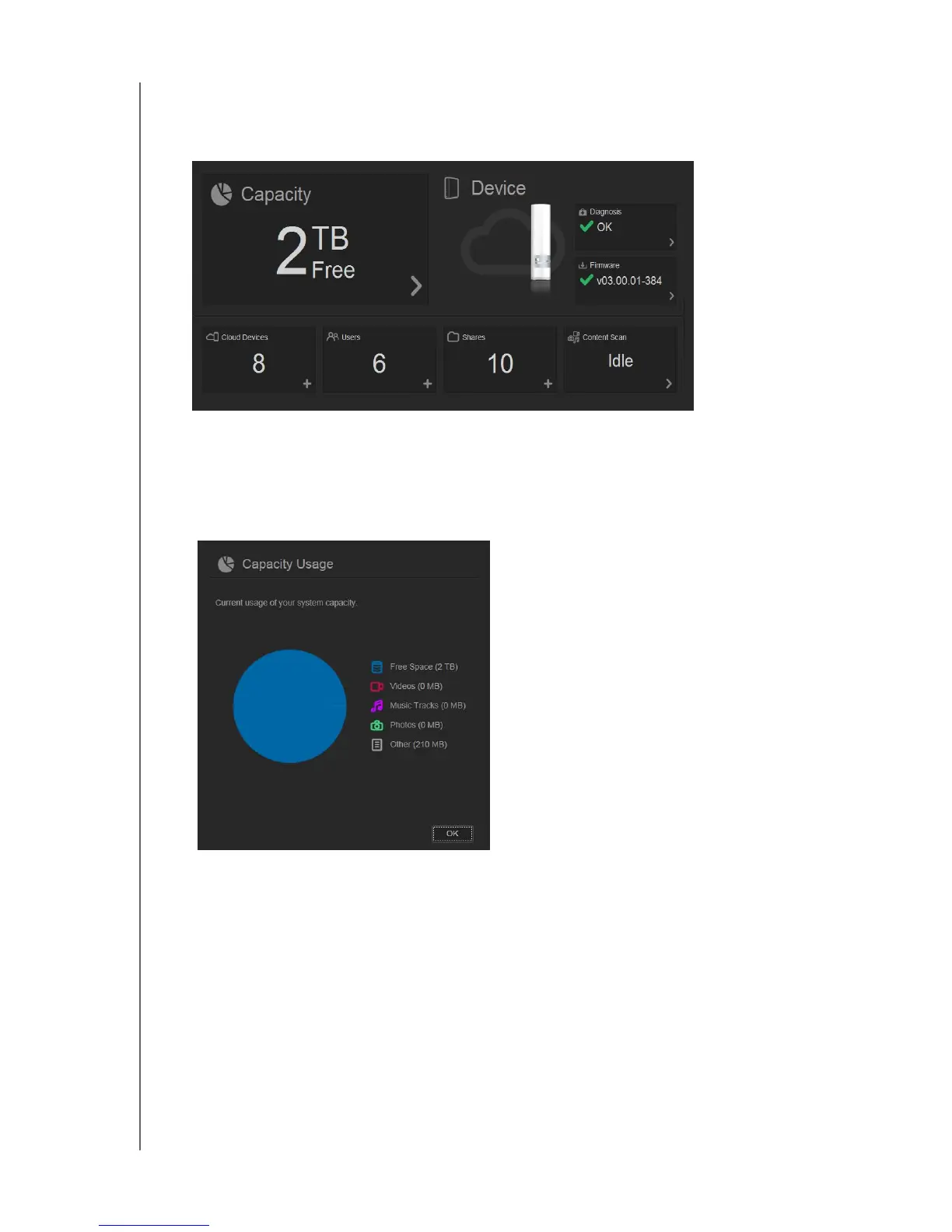
The body of the Home page shows the status of the drive, its functions and shortcuts to the
most necessary tasks.
Capacity
The Capacity panel displays the amount of free storage left on your WD My Cloud device.
1. To see more detailed information, click the arrow in the lower right of the Capacity panel
to display the current usage of the drive’s capacity:
2. To return to the Home page, click
OK.
Diagnosis
The Diagnosis panel displays the overall health of the system.
1. To see details about the status of system components, click the arrow in the lower right
of the Diagnosis panel:















 To Next Page