AT A GLANCE: THE DASHBOARD
45
WD MY CLOUD PERSONAL CLOUD STORAGE
USER MANUAL
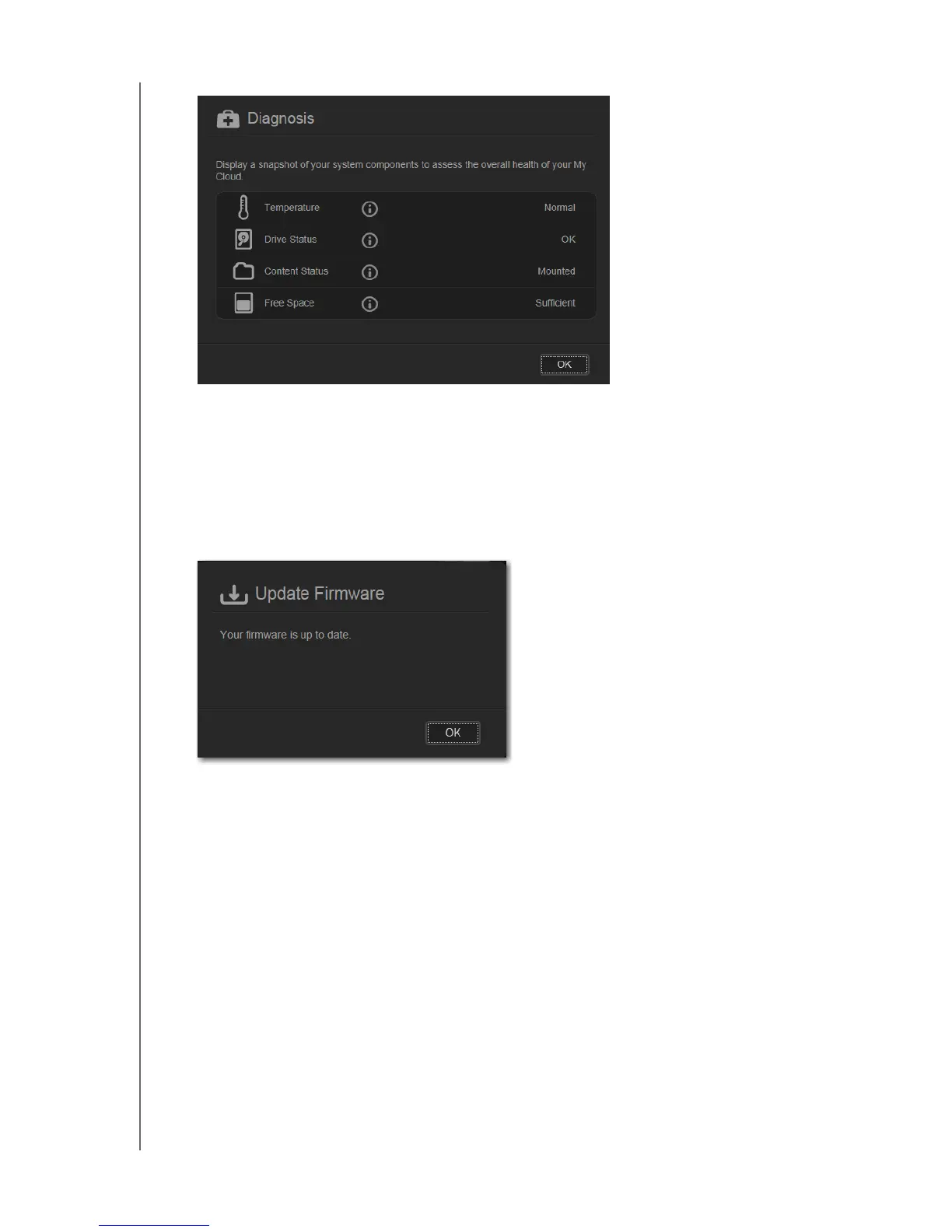
2. To return to the Home page, click OK.
Firmware
The Firmware panel displays the current version of firmware loaded on your WD My Cloud
device.
1. To see whether an updated version of the firmware is available, click the arrow in the
lower right of the Firmware panel. To return to the Home page, click OK.
2. If new firmware is available, see “Firmware” on page 90 for information on updating your
WD My Cloud device.















 To Next Page