WD ELEMENTS PLAY MULTIMEDIA DRIVE
USER MANUAL
GETTING STARTED – 9
Getting Started
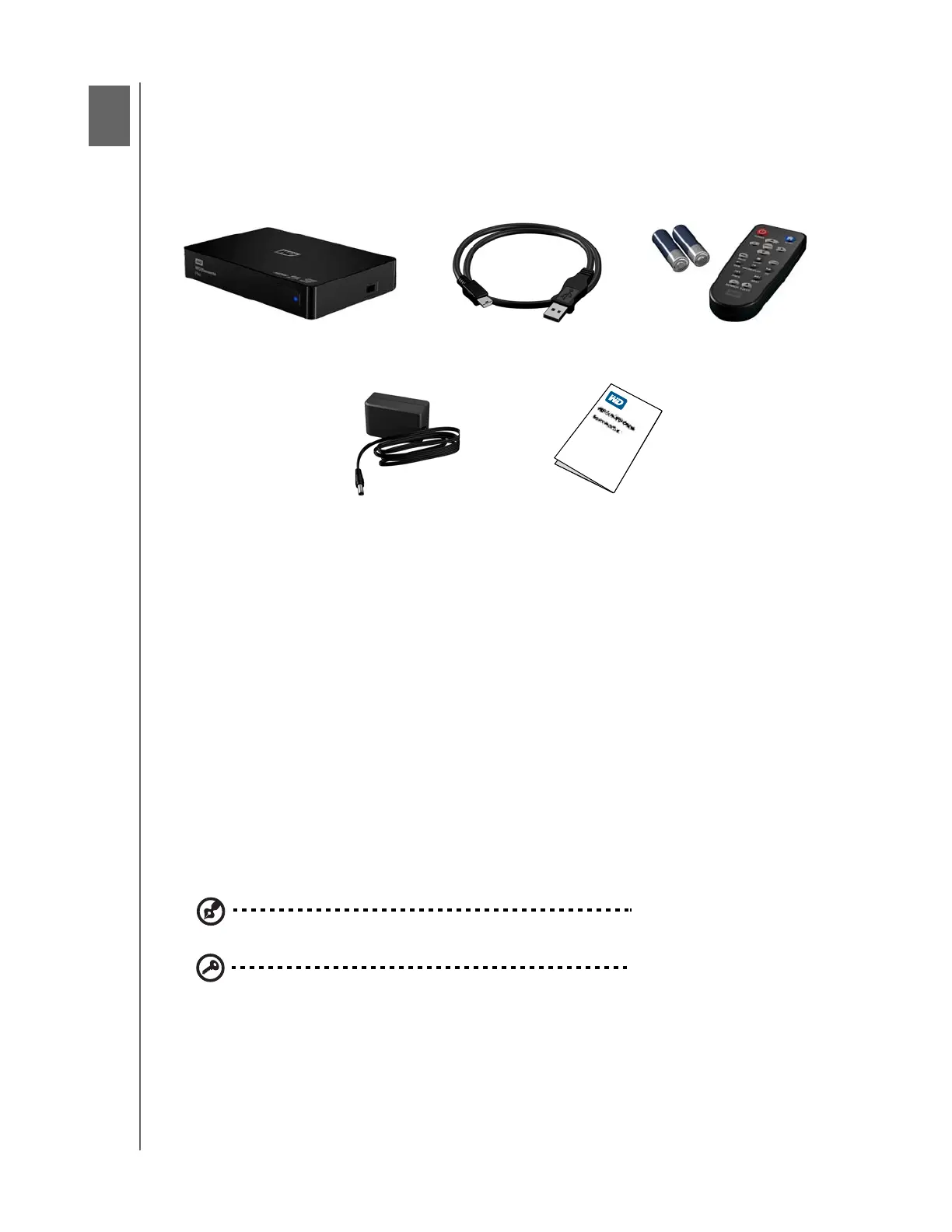
Package Contents
Installation Requirements
Standard or HD TV with an HDMI or composite audio/video input
Computer with a USB 2.0 connector
Optional: Stereo or AV receiver with a digital optical (S/PDIF) cable.
Operating System Compatibility
The multimedia drive is compatible with the following operating systems:
Note: Compatibility may vary depending on user’s hardware configuration and operating system.
Important: For highest performance and reliability, it is recommended that
you install the latest updates and service pack (SP). For Windows, go to the
Start menu and select Windows Update. For Mac, go to the Apple menu
and select Software Update.
Windows
®
Mac
®
OS X
®
Windows XP
Windows Vista
®
Windows 7
Tiger
®
Leopard
®
Snow Leopard
™
Lion
4
Multimedia Drive USB cable Remote control and
Two AAA batteries
AC power adapter
Quick Install Guide












 To Next Page