WD ELEMENTS PLAY MULTIMEDIA DRIVE
USER MANUAL
SETUP AND ADVANCED FEATURES – 41
Setup and Advanced Features
Setup
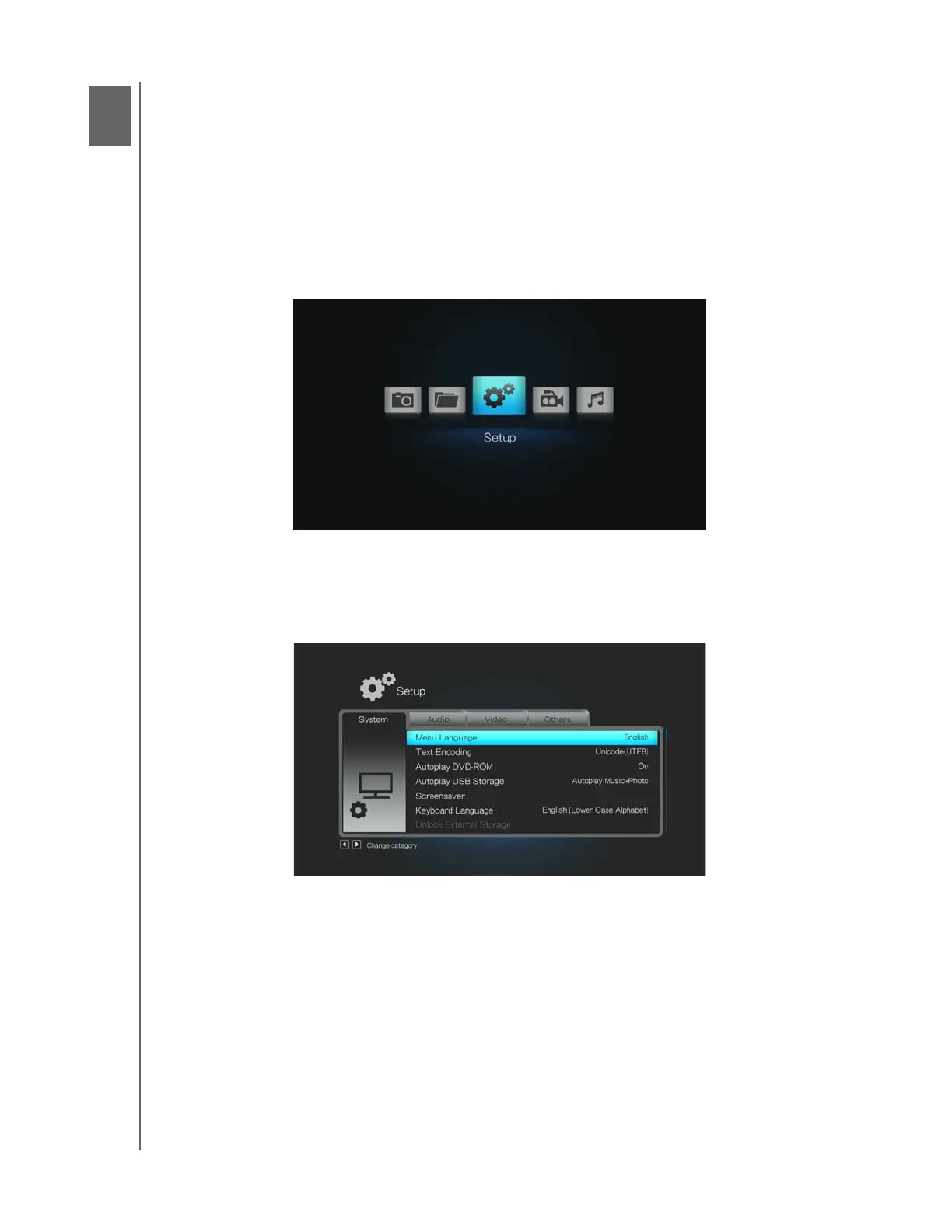
The Setup menu lets you customize the way you use the multimedia drive and set
preferences for media playback.
To select a Setup category:
1. Press HOME, then select the Setup icon.
2. Press ENTER. The Setup menu opens.
3. Use the left and right navigation buttons to select a Setup category, then press
ENTER. Use the up and down navigation buttons to select options within each
category.
There are four Setup categories, including System, Audio, Video, and Others.
89












 To Next Page