WD ELEMENTS PLAY MULTIMEDIA DRIVE
USER MANUAL
FILE MANAGER – 24
Options
Navigate to a location on the HDD internal drive or attached USB storage then press
OPTION to bring up the options menu.
View Options
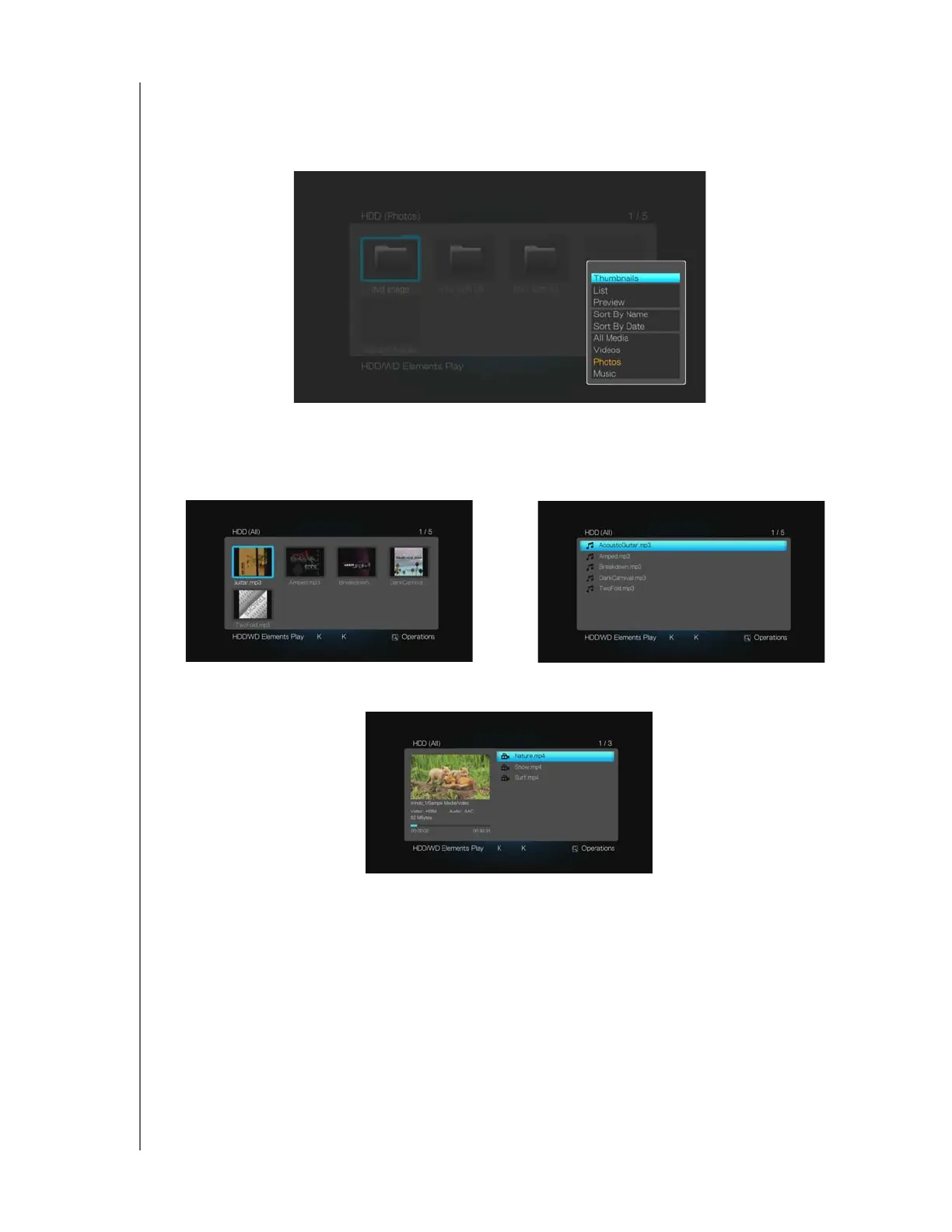
Set your preferred view option by selecting Thumbnails, List, or Preview.
Sort & Filter Options
You can sort and filter files in File Manager. Select Sort by name or Sort by date to
show files in ascending order based on the criteria selected.
All Media displays by default. You can filter media files by choosing only to view
Videos, Photos, or Music.
Thumbnails
List
Preview












 To Next Page