WD ELEMENTS PLAY MULTIMEDIA DRIVE
USER MANUAL
WATCHING VIDEO – 31
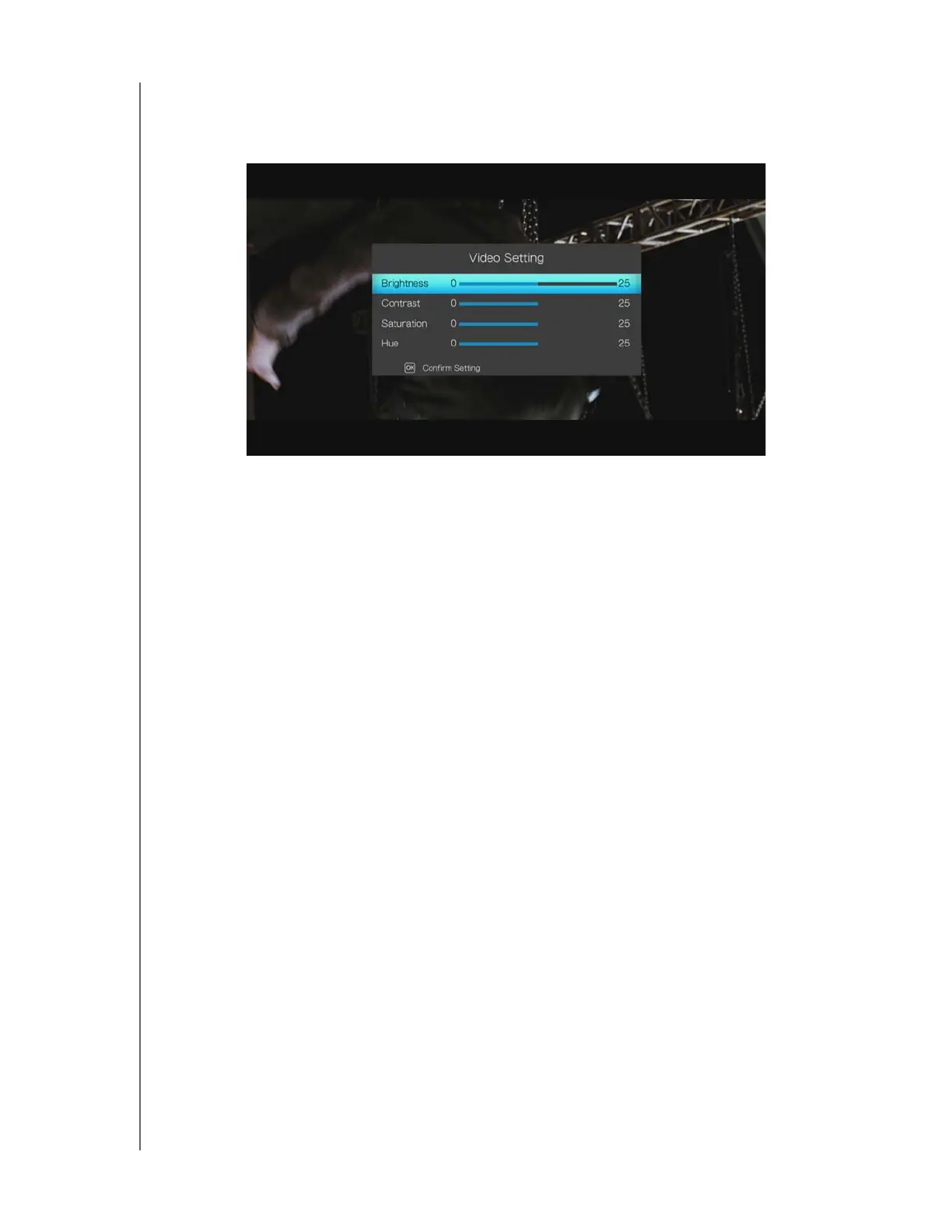
Video Setting
Use the navigation buttons to set brightness, contrast, saturation, and hue of the
currently playing video. Press ENTER to confirm your settings.
Video Zoom
Use these options to change the viewing scale of the video playback screen. Press
ENTER repeatedly to cycle through the available zoom options. Press OPTION or
BACK to revert to the default viewing scale.












 To Next Page