Lit. No. 49513, Rev. 00 46 August 15, 2011
OPERATING YOUR SNOWPLOW
Control Functions
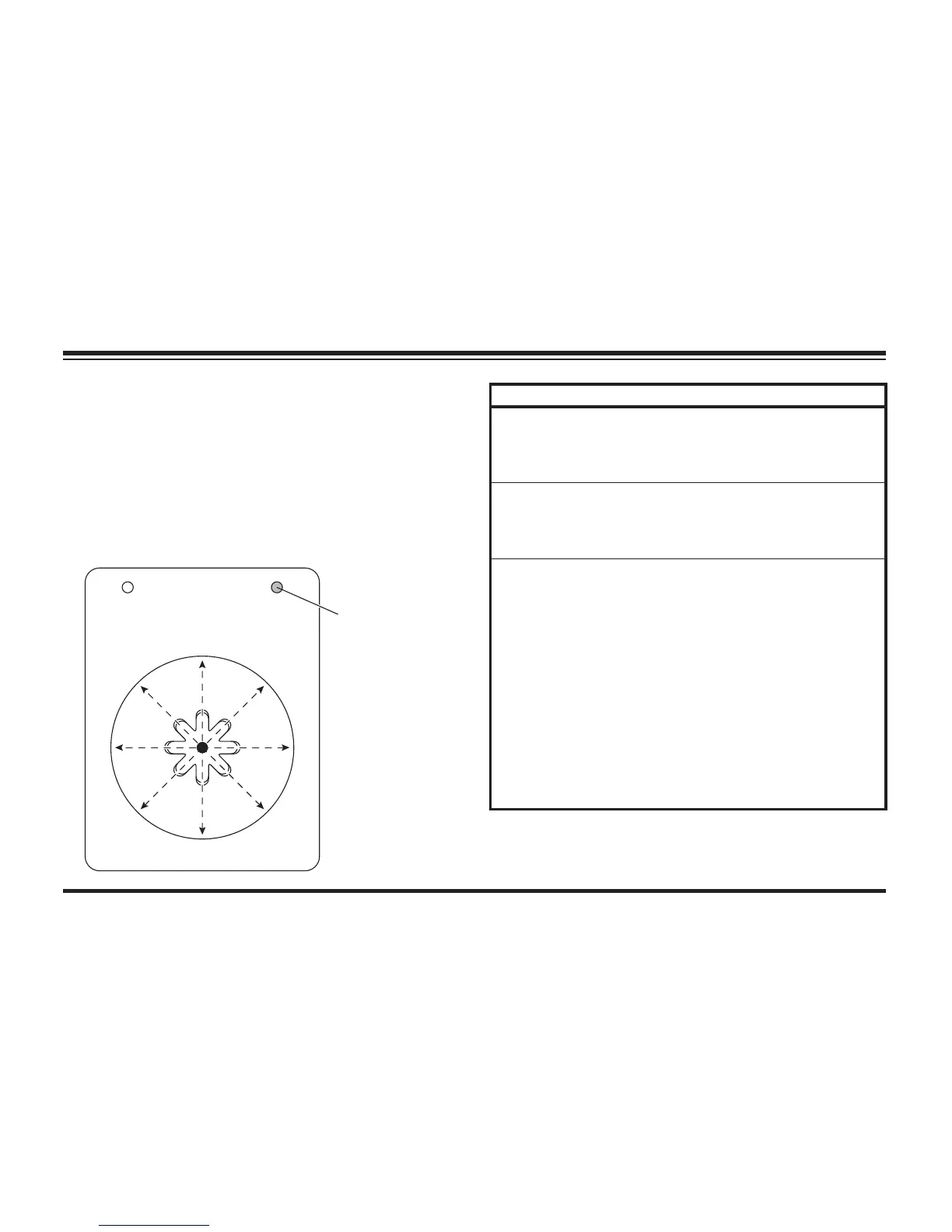
Raise, Lower, Float, Angle
Moving the control lever in straight lines up and
down or from side to side on the control body will
result in the blade movements described in the
following tables.
Function Description of Operation
RAISE
Move the control lever toward the top of
the control body to raise the snowplow
and cancel the FLOAT mode. Function
times out after 3.5 seconds.
LOWER
Move the control lever toward the bottom
of the control body to lower the snowplow.
Release the lever to stop blade at desired
height.
FLOAT
†
Move the control lever to the LOWER
position and hold 3/4 second to activate
this mode. The FLOAT light in the upper
right corner of the control face will
illuminate. The blade will lower to the
ground surface and follow the contour of
the surface as it dips or raises. Function
does not time out; however, control will
shut down after 20 minutes of nonuse.
Move lever to the RAISE position
momentarily to cancel FLOAT. Angling left
or right will not interrupt (stop) the FLOAT
function.
† FLOAT mode activates immediately when one-touch FLOAT
feature is enabled. See "One-Touch FLOAT" in this section
for more information.
34
21
L
R
RAISE
LOWER
ON/OFF
FLOAT
SCOOP
RETRACT
WING WING
FLOAT Light
(green)


 To Next Page