WEY Technology AG · MAN22771_E06.docx · 18.04.2018
Dorfstrasse 57 · 8103 Unterengstringen · Schweiz · T +41 44 751 89 89 · info.ch@weytec.com · www.weytec.com
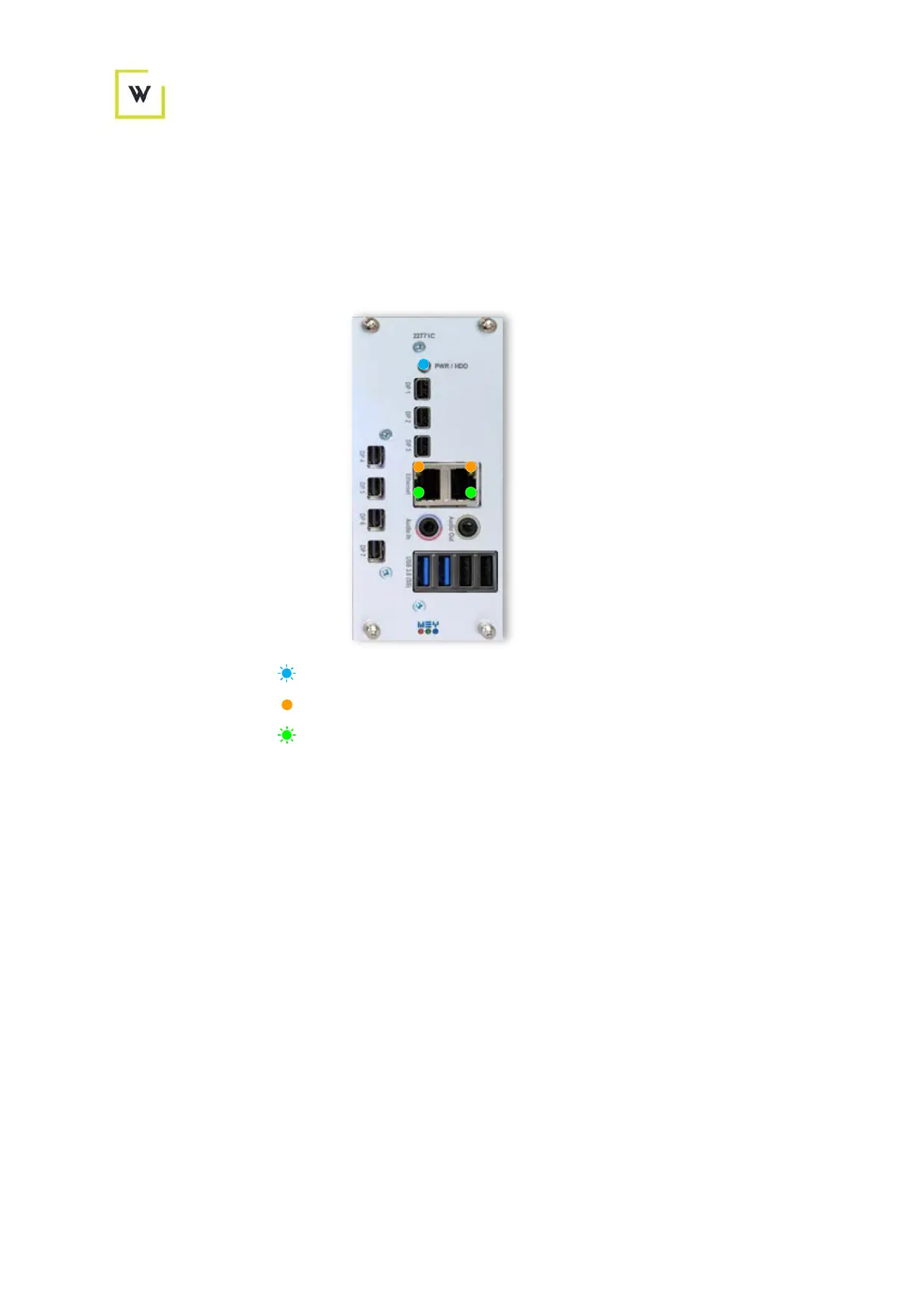
3.6 Indicator LEDs
When lit up and/or blinking, the LED colors indicate the following states:
3.6.1 Front view
HDD = HDD/SSD activity (Blinking)
Ethernet Left = Gigabit Ethernet link established
Ethernet Right = Link/Activity Data send/receive
On when link established and (Steady)
Blinking when data sent/received (Blinking)
Gigabit connection - steady yellow LED and steady or blinking green LED
10/100M connection - steady or blinking green LED only
Figure 5 - UltraFlex V2 front indicators


 To Next Page