6
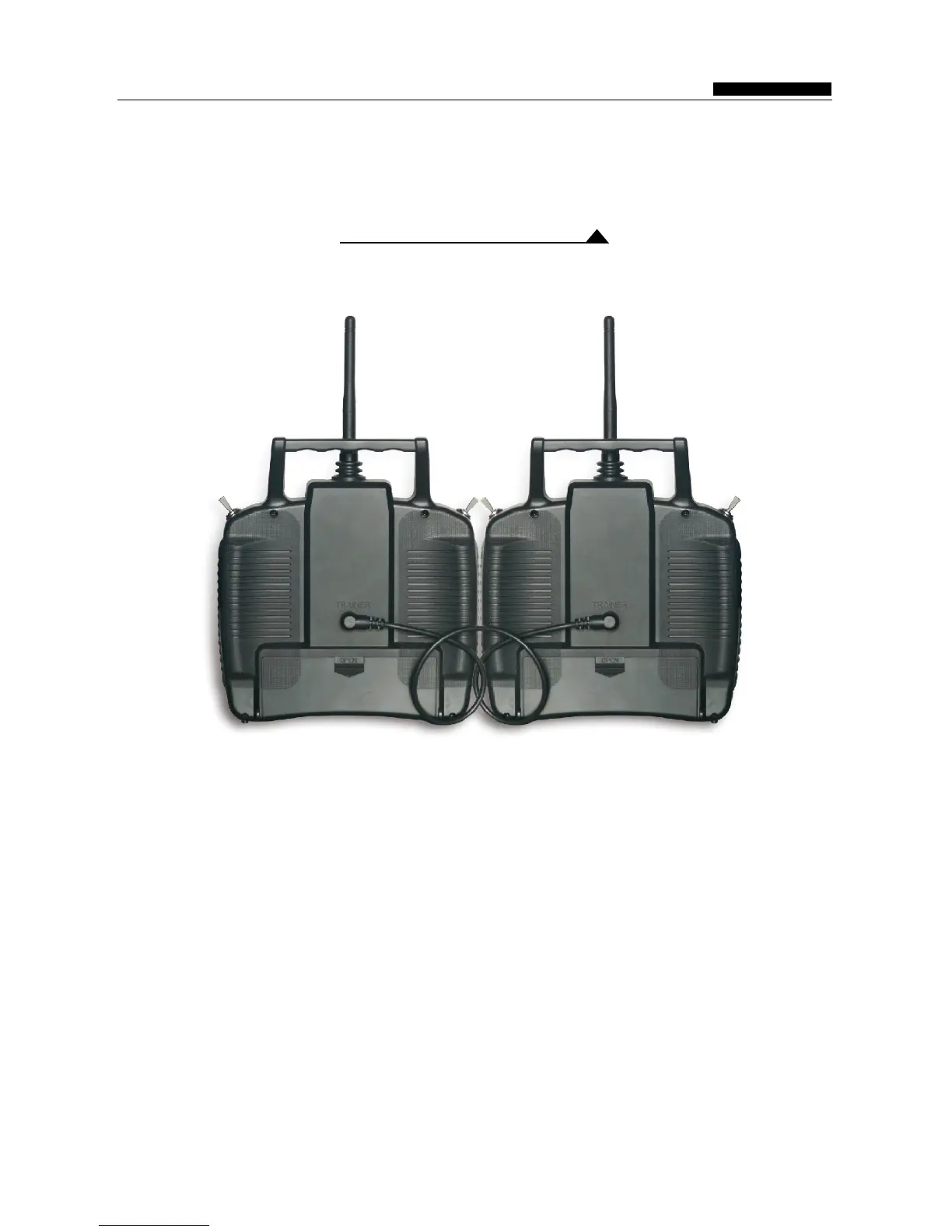
Trainer Function
Instruction of the Training function
The same two remote control devices WFT07 can do the Trainer function:
INSTRUCTION MANUAL
WFT07 REMOTE CONTROL DEVICE
1. Using the simulator cable to connect two WFLY equipment.
2. Trainer settings: Press MENU key to boot into the "System Settings" function, enter "
Training / simulation "menu,selected the" trainer mode ", (effect after re-boot ).
3. Student machine setting: Press MENU key of the another radio into the "System Settings" function,
entry "Training / simulation "menu,selected the " Simulator Mode ", (effect after re-boot ).
4. Release Trainer switch K4, this time the student machine does not sending signal, the operation
completed by the trainer.Advance push the trainer switch K4, then operation completed by the
Student machines now.
Settings:



 To Next Page