4-2
Refer to page 3-6 or 3-8 for the procedure for
servicing the capacitor.
1. Unplug air conditioner or disconnect power.
2. Use a 20,000 Ω, 2-watt resistor and dis-
charge the capacitor. Touch the resistor
leads to terminals C & H and C & F.
3. Disconnect the wires from the capacitor
terminals.
4. Set the ohmmeter to the R x 10K scale.
5. Touch the ohmmeter test leads to the
common (C) terminal and the F terminals.
6. The meter should indicate several ohms
and gradually return to infinity.
7. Touch the ohmmeter test leads to the
common (C) terminal and the H terminals.
8. The meter should indicate several ohms
and gradually return to infinity.
CAPACITOR
Electrical Shock Hazard
Disconnect power before servicing.
Replace all parts and panels before operating.
Failure to do so can result in death or electrical shock.
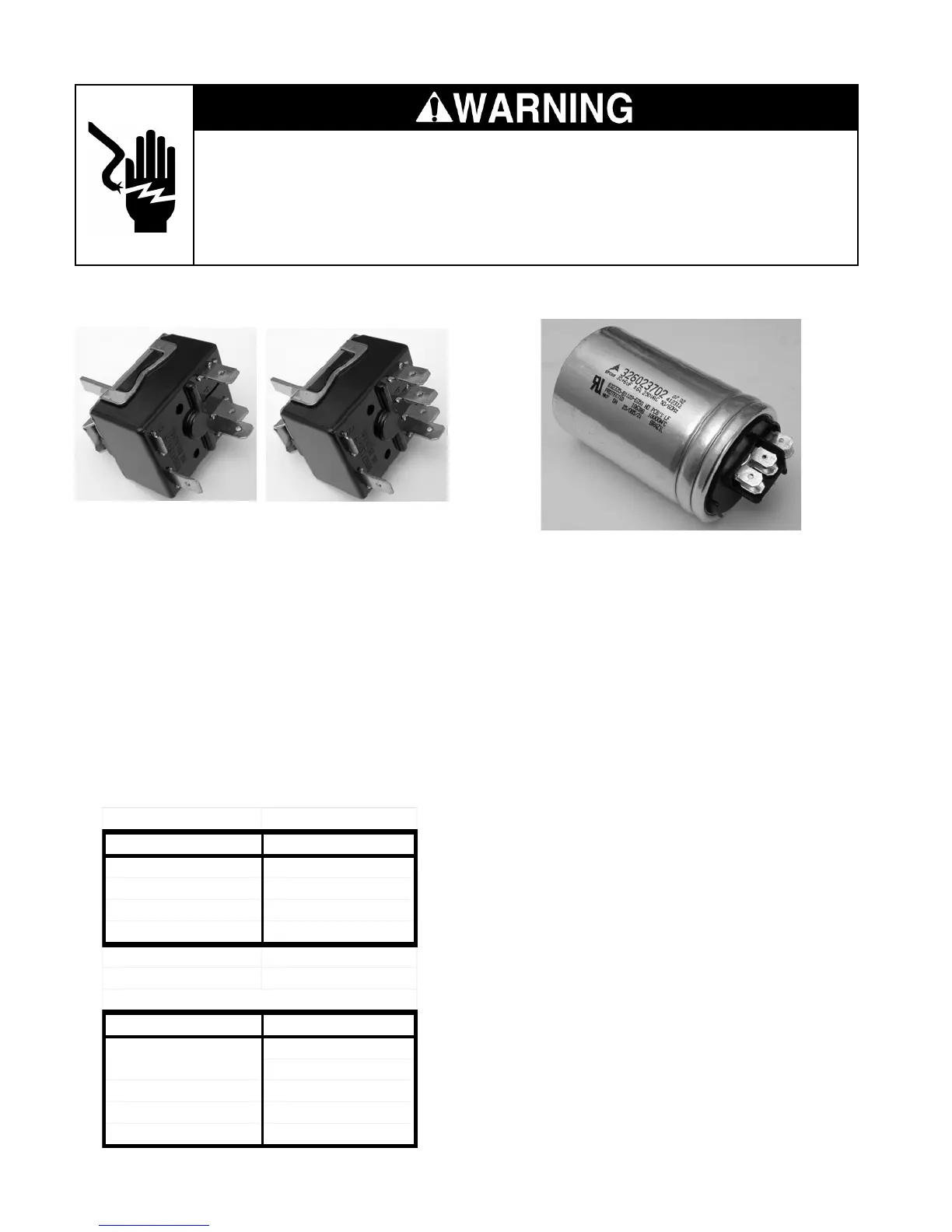
FAN SPEED CONTROL
Refer to page 3-4 for the procedure for servic-
ing the fan speed control.
1. Unplug air conditioner or disconnect power.
2. Disconnect the wires from the fan speed
control terminals.
3. Set the ohmmeter to the R x 1 scale.
4. Touch the ohmmeter test leads to the fan
speed control terminals indicated in the
charts below. The meter should indicate a
closed circuit (0 Ω).
5
3
2
L1
5
3
2
L1
4
ACD052MM
Switch position Contacts closed
OFF NONE
FAN ONLY L1 to 2
HIGH COOL L1 to 3 & L1 to 2
LOW COOL L1 to 3 & L1 to 5
ACM052MM & ACM062MM
Switch position Contacts closed
OFF NONE
FAN ONLY L1 to 4
HIGH COOL L1 to 5 & L1 to 4
MED COOL L1 to 5 & L1 to 3
LOW COOL L1 to 5 & L1 to 2
Model ACD052
Models ACM052
& ACM062



 To Next Page