10
User manual
Remove any manufacturing debris:
•
Selectthe“Cotton”programmeatatemperatureof60°C.
• Pour a small quantityofdetergentpowderintothe
main wash compartment of the detergent dispenser
(maximum 1/3 of the quantity the detergent manufacturer
recommends for lightly soiled laundry).
PREPARING THE LAUNDRY
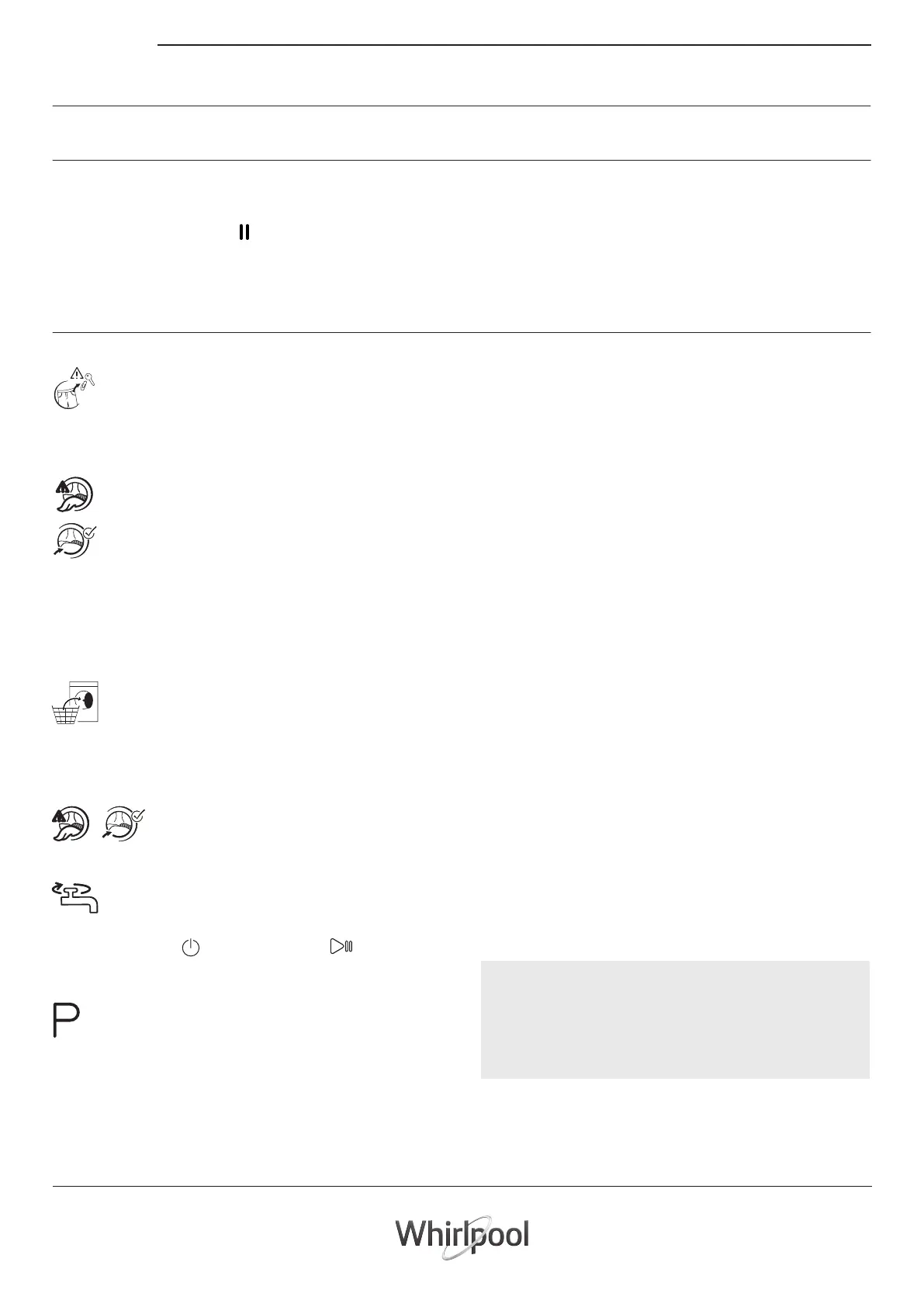
Empty pockets
• Coins,paperclips,etc.coulddamagetheloadand
the washing machine components.
• Tissues will break down during the wash cycle,
and the fragments will have to be subsequently
removed by hand.
Close all zippers, buttons, and hooks. Tie all
ribbons or belts
• Insert the smaller garments (e.g. nylon hosiery,
belts, etc.) and garments with hooks into a fabric
bag or a pillowcase with a zipper. Remove any
rings from curtains, or else place the curtains
inside a fabric bag together with the rings.
• Starttheprogrammewithout adding any laundry (with
empty drum).
• Seesection“DAILYUSE”formoreinformationonhowto
select and start a programme.
Fabric type / Symbol on the wash label
•Cottons,mixedbres,easycare/synthetics,wool,handwash
items.
• Colour
Separate coloured and white items. Wash new coloured
articles separately.
• Size
Wash items of dierent sizes in the same wash load, to
improve washing eciency and distribution of the articles
in the drum.
• Delicates
Wash delicate items separately; they require gentle
treatment.
Change temperature, if needed
Press the “Temperature”button to progressively
lowe
r the temperature setting until cold
w
ash has been set (“- -“ will be shown on the
display). Pressing the button again sets the
highest possible setting.
Change spin speed, if needed
Press the “Spin Speed
”button to progressively
decrease the spin speed until the spin cycle is
turned off (“0”
will be shown on the display).
Pressing the button again sets the highest
possible setting.
Select options, if needed
Press the button to select the option; the respective
symbol on display illuminates.
Press the button again to cancel the option; the light
extinguishes.
HOW TO USE THE WASHING MACHINE
1. Load laundry
Open the door andload the laundry. Load the
articles one at a time loosely into the drum,
without overfilling. Observe the load sizes given
in the “PROGRAMME CHART” table. Overloading
the machine will result in unsatisfactory washing
results and creased laundry.
2. Close door
Make sure that no laundry gets stuck
between door glass and rubber seal. Close
the door so that you can hear it click shut.
3. Open water tap
Make sure that the washing machine is connected
to the water mains. Open the water tap.
Switch on washing machine
Press the “ON/OFF” , the “Start/Pause” lamp ashes
slowly.
4. Set the desired programme
Select the required programme with the “Programme
selector” dial. The duration of the wash cycle is shown
on the display. The washing machine automatically
displays the maximum temperature and spin speed
settings possible for the selected programme. Adjust
the temperature and/or spin speed settings if needed
with the relative buttons.
FIRST TIME USE
DAILY USE
HOW TO USE THE APPLIANCE
! If the selected option is incompatible with the programme
set, the incompatibility will be signalled by a buzzer (3
beeps) and the corresponding indicator light will ash.
! If the selected option is incompatible with another
previously set option, only the most recent selection will
remain active .
•
•
•
•



 To Next Page