EasyManua.ls Logo

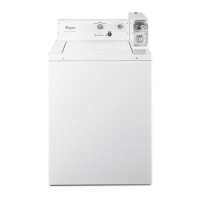
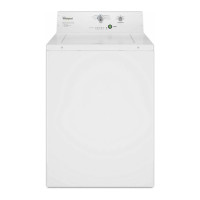
Whirlpool CHW9050 - User Manual

Whirlpool CHW9050
116 pages
Print Icon
To Next Page IconTo Next Page
Loading...
CONSUMER SERVICES TECHNICAL
EDUCATION GROUP PRESENTS
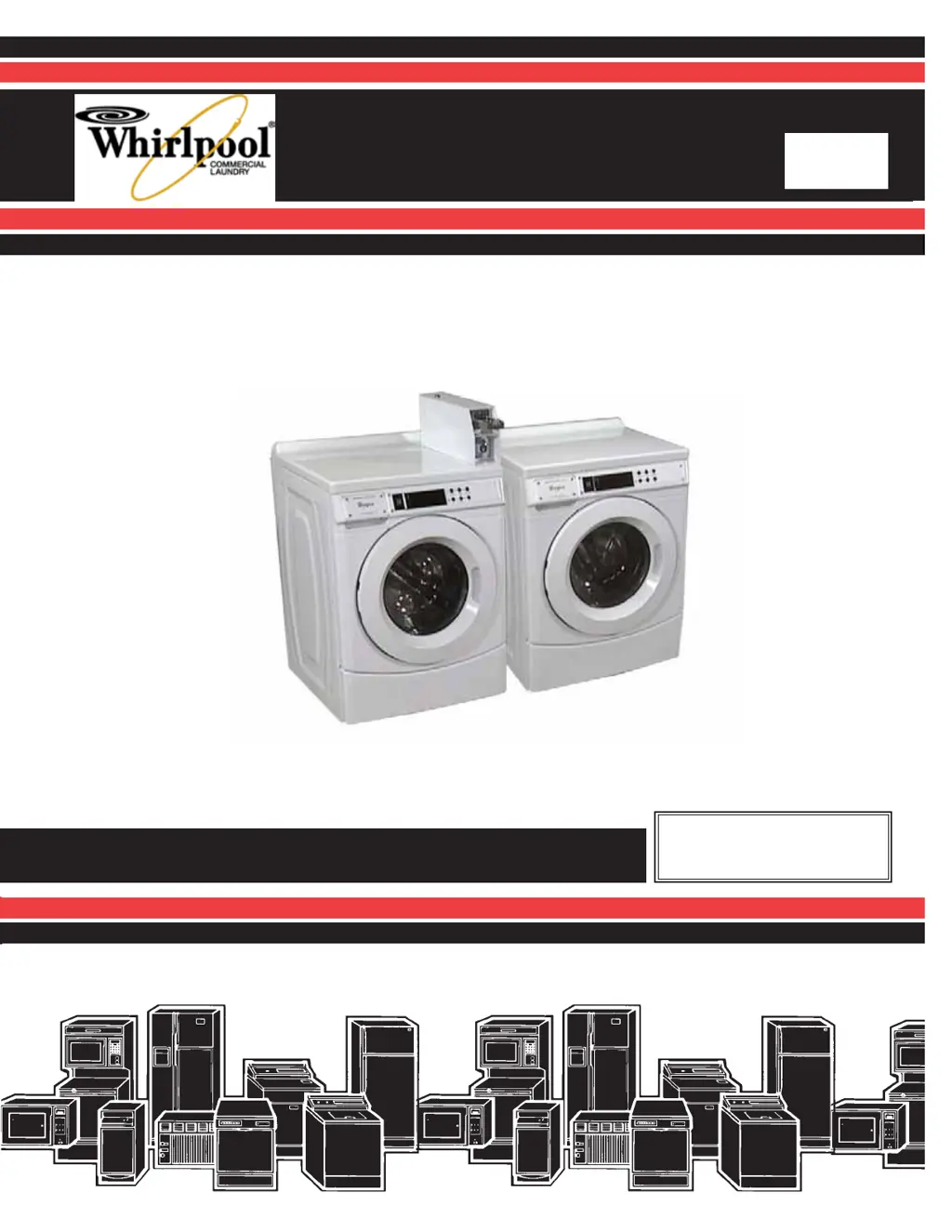
Service Manual
Part No.
Whirlpool Commercial
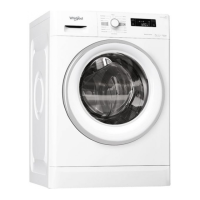
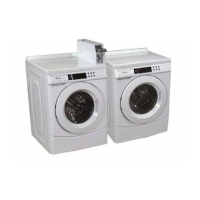
HE Front Loading Washers
Models CHW9050 & CHW9060
CL-18
Service Manual
Part No. W10602873

Table of Contents

Other manuals for Whirlpool CHW9050

Questions and Answers

  • J
    jonathan42Aug 15, 2025
    Why won't my Whirlpool Washer power up?
    • D
      Diana SuttonAug 16, 2025
      If your Whirlpool washer isn't powering on, there are several things you can check: * Ensure the washer is properly plugged into a working outlet and that no fuses have blown. * Check the continuity of the line cord and RFI line filter, replacing them if necessary. * Inspect the wire harness connecting the CCU with the UI, and replace if needed. * Use a multimeter to check for power going from the RFI line filter to the Central Control Unit (CCU) and transformer, and from the transformer to the User Interface (UI). * Listen for a click in the CCU when the washer is plugged in. If there's no click, replace the CCU; if there is a click, replace the UI.
  • S
    seanharrisAug 18, 2025
    What to do if my Whirlpool CHW9050 won't drain?
    • D
      danielpierceAug 18, 2025
      If your Whirlpool washer isn't draining, here are some troubleshooting steps: * Unplug the washer or disconnect power first. * Inspect the wire harness connections. * Check the drain pump and drain pump motor for any issues. * Ensure the drain hose and drain pump filter are free of obstructions, and the hose isn't crushed, kinked, or inserted too far into the stand-pipe. * Verify the drain isn't trying to pump water higher than 96 inches from the washer's base.
  • T
    Taylor SellersAug 21, 2025
    How to fix a Whirlpool CHW9050 Washer that won't start cycle?
    • E
      ericaevansAug 21, 2025
      If your Whirlpool washer isn't starting a cycle, try these steps: * Open and close the door, ensuring it's opened between consecutive wash cycles. * Check the door lock/latch assembly using the diagnostics. * If the door is locked, drain the washer either in a diagnostic mode or by draining from the pump manually. * Check the wire harness connections of the door lock and the UI–CCU.
  • J
    Joseph BrownAug 25, 2025
    Why is my Whirlpool CHW9050 Washer vibrating so much?
    • C
      christine93Aug 25, 2025
      If your Whirlpool washer is vibrating excessively, consider the following: * Ensure the shipping system has been completely removed. * Double-check the installation to confirm it meets requirements. * Inspect the leveling feet, making sure all legs are locked to the base and firmly contacting the floor.
  • J
    Jacob MillerAug 27, 2025
    What to do if my Whirlpool CHW9050 touch pads do not respond?
    • B
      Benjamin DiazAug 27, 2025
      If the touch pads on your Whirlpool washer aren't responding, try these troubleshooting steps: * Verify the use of buttons in set-up mode. If the buttons respond, go to 'WON’T START CYCLE'. * Check the connection of the matrix key board with the user interface, ensuring the ribbon connector isn't folded over backwards. * Inspect for corrosion in and at the base of the ribbon connector socket on the UIC; replace the UIC if corrosion is present. * Replace the keypad assembly.
  • M
    Maria JacobsAug 30, 2025
    Why won't my Whirlpool CHW9050 fill with water?
    • U
      urandolphAug 30, 2025
      If your Whirlpool washer isn't filling with water, try these steps: * Verify that both hot and cold water faucets are fully open and that adequate water pressure is available. * Check the inlet valves for any issues. * Inspect the water connections to the washer, ensuring the supply hoses are unobstructed, not reversed, and the screens aren't plugged. * Check the operating pressure switch and air hose for any obstructions. * Confirm the drain pump motor isn't running during the fill cycle and that water isn't siphoning out of the drain hose.
  • K
    Kari JacobsSep 2, 2025
    Why is my Whirlpool Washer motor overheating?
    • J
      Joseph DeleonSep 2, 2025
      If the motor in your Whirlpool washer is overheating, consider these potential causes: * Check the drive motor itself. * Confirm the correct voltage is being supplied to the washer. * Inspect the wire harness connections and the drive belt. * Look for any clothing obstructions between the spinner and the outer tub.
  • M
    Michael HoffmanSep 5, 2025
    Why is my Whirlpool CHW9050 overfilling with water?
    • H
      hartmartinSep 6, 2025
      If your Whirlpool washer is overfilling, here are a few things to investigate: * Make sure the washer is properly leveled. * Check the pump drain system for any signs of drainage failure. * Inspect the operating pressure switch and the pressure switch hose.
  • M
    Mr. James BakerSep 8, 2025
    Why won't my Whirlpool Washer dispense detergent?
    • N
      Nicole SantiagoSep 9, 2025
      If your Whirlpool washer isn't dispensing detergent, consider the following: * Ensure the washer is level. * Check that the dispenser drawer isn't clogged with detergent and that the fill tube from the dispenser to the outer tub isn't blocked by clothing. * Inspect the water connections to the washer, checking for plugged screens in the water source. * Verify the pressure switch is operating correctly and that there is no water in the washer. * Look for indications of over-sudsing and check Help codes.
  • D
    Daniel GreenSep 12, 2025
    Why won't the spin basket rotate in my Whirlpool Washer?
    • C
      Charles CookSep 12, 2025
      If the spin basket in your Whirlpool washer isn't rotating, check these components: * Inspect the drive belt. * Check the drive motor. * Inspect wire harness connections and perform a continuity test on the cables between the MCU and motor, and between the MCU and CCU. * Check the MCU by looking for operations of the drive motor.

Summary

General Information and Installation

Product Overview and Specs

Details on model/serial numbers, technical specifications, and warranty information for the washer.

Installation Requirements

Key requirements for installation, including location, electrical, plumbing, and shipping bolt removal.

Basic Operation and Setup

Instructions for initial setup, coin/card operation, and control programming.

Component Access and Identification

Component Locations and Access Panels

Diagram showing component locations and procedures for accessing panels and covers.

Control System Components

Instructions for accessing the control panel, UIC, keypad, and CCU.

Major Mechanical Components

Procedures for accessing and removing water inlet valves, drain pump, motor, and belt.

Component Testing and Troubleshooting

Electrical Component Testing

Procedures for testing solenoids, filters, transformers, and switches using an ohmmeter.

Motor, Sensor, and Lock Assembly Testing

Methods for testing motors, sensors, pressure switch, and door lock assembly.

Diagnostic Modes and Error Codes

Guides on using diagnostic modes and interpreting failure/error display codes for troubleshooting.

Troubleshooting Common Problems

Table mapping common washer problems to causes and step-by-step testing procedures.

Wiring Diagrams and Index

Wiring Diagram

Detailed electrical wiring diagram for reference during servicing and repair.

Alphabetical Component Index

An alphabetical listing of components with their corresponding page numbers for quick lookup.

Whirlpool CHW9050 Specifications

General IconGeneral
BrandWhirlpool
ModelCHW9050
TypeTop Load Washer
ColorWhite
Wash Cycles12
Steam FunctionNo
Energy Star CertifiedYes
Wash ActionImpeller
Delay Wash OptionYes
Quick Wash CycleYes
Deep Water Wash OptionYes
Built-In Water FaucetNo
Water Level SettingsAutomatic

Related product manuals