3-1
BASIC OPERATION
This washer can hold up to an 18 lb (8.2 kg)
load of laundry.
1. Insert coins until “SELECT CYCLE” flashes
in display.
2. When a debit card is required rather than
coins, in Enhanced Debit mode, the card
balance will display when a debit card is
inserted into the reader. When set for free
vend, “SELECT CYCLE” will be displayed.
3. Door must be closed before cycle selection
is made.
4. Door locks at the beginning of a cycle and
remains locked for the entire cycle.
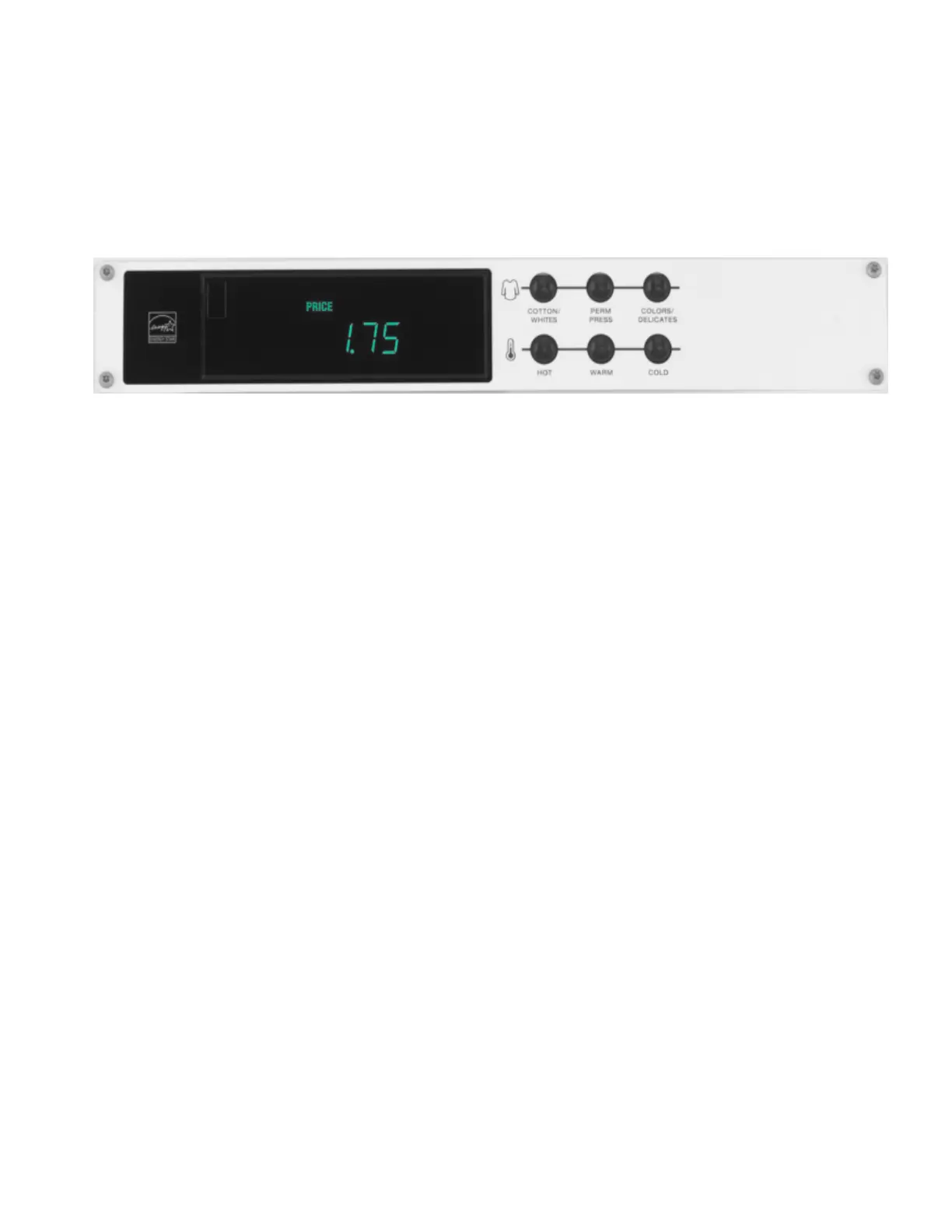
5. Press fabric setting button for the wash
cycle desired. Then select wash water
temperature, if desired. If a temperature
is not selected a default temperature is set
automatically. After the cycle is started, the
time will display and count down.
6. When a cycle is interrupted, by disruption
of power, “RESELECT CYCLE” will flash in
the display. To restart the washer, reselect
desired cycle.
DEBIT CARD READY: This washer is debit
card ‘cable’ ready. It will accept a variety of
debit systems, but does not come with a debit
card reader. Refer to the debit card reader
manufacturer for proper washer setup. In
models converted to a Generation 1 debit
card system, a debit pulse represents the
equivalent of 1 coin.
NOTE: Adding a card reader requires a 60”
communication Cable to connect UIC to Card
Reader mounted in a metercase. Request this
cable from the Card Reader supplier.
DISPLAY: After the washer has been installed
and plugged in, the display may show
“0 MINUTES”. Once the washer has been
plugged in and the washer door opened and
closed, the display will show the amount
required to start the cycle. In washers set for
free cycles, the display will ash “SELECT
CYCLE”. Otherwise the cycle price will be
displayed in dollars and cents unless Price
Suppression is chosen in the owner settings.
SET UP INSTRUCTIONS
Press fabric setting button for the wash
“0 MINUTES"”. Once the washer has been
temperature desired. If a temperature is not
cycle desired. Then select wash water
inserted into the reader. When set for free
vend, “SELECT CYCLE” will be displayed.
balance will display when a debit card is
coins, in Enhanced Debit mode, the card
When a debit card is required rather than
OF “W” Serie
in display.
Insert coins until “SELECT CYCLE" flashes
3-1
BaSiC OPeraTiOn S
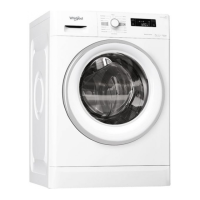
COMMerCiaL FrOnT LOaDinG WaSHer
SeT uP inSTruCTiOnS
This washer can hold up to an 18 lb (8.2 kg)
load of laundry
.
Door must be closed before cycle selection
is made.
Door locks at the beginning of a cycle and
remains locked for the entire cycle.
time will display and count down.
When a cycle is interrupted, “RESELECT
CYCLE” will flash in the display. To restart
the washer, press any button.
1.
2.
3.
4.
5.
6.
DEBIT CARD READY: This appliance is debit
card “cable” ready. It will accept a variety of
debit card systems, but does not come with
a debit card reader. Refer to the debit card
reader manufacturer for proper washer setup.
In models converted to a Generation 1 debit
card system, a debit pulse represents the
equivalent of 1 coin.
DISPLAY: After the washer has been installed
plugged in and the washer door opened and
closed, the display will show the price. In
washers set for free cycles, the display will
ash “SELECT CYCLE”. Otherwise the cycle
price will be displayed in dollars and cents.
selected a default temperature is set
automatically. After the cycle is started, the
and plugged in, the display may show:




 To Next Page