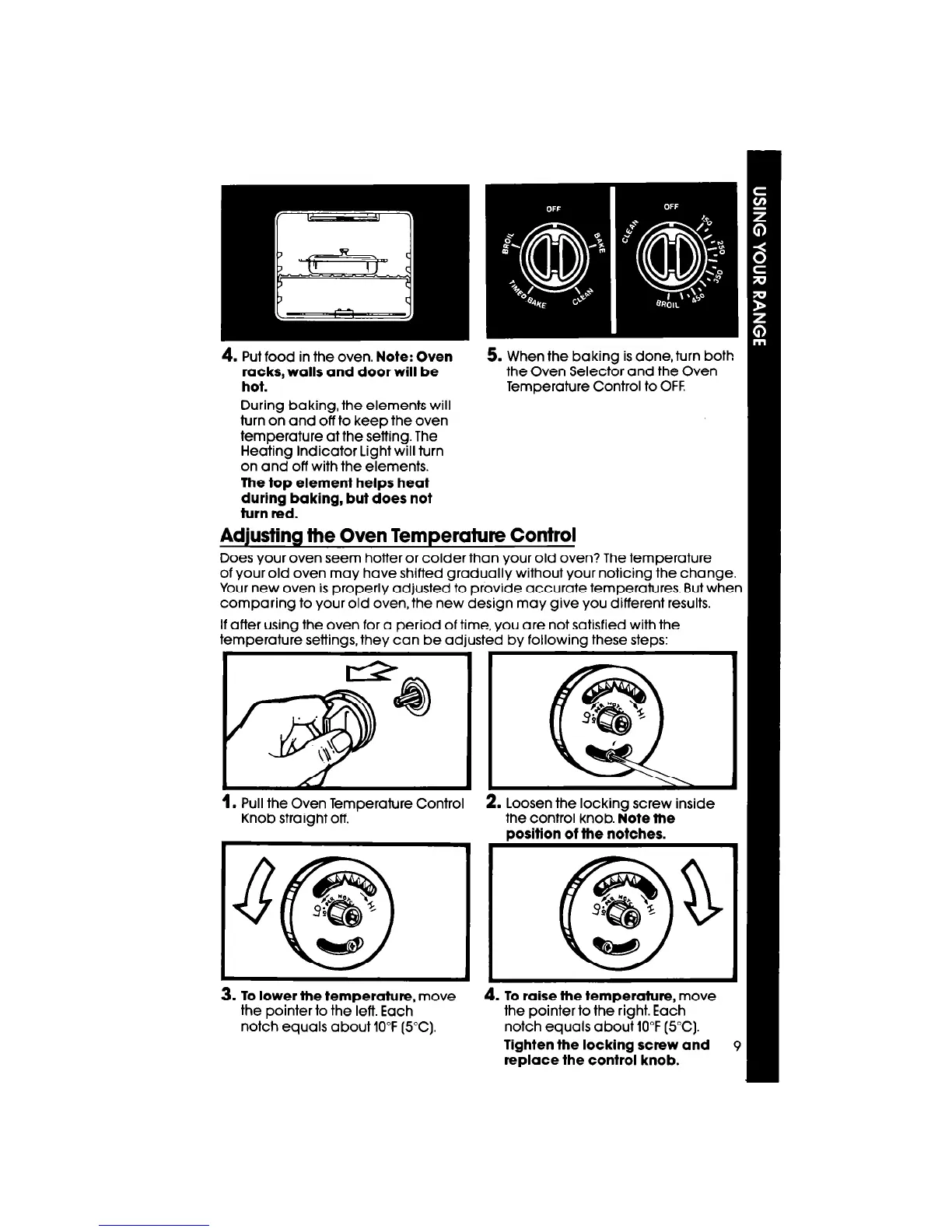
4.
Put food in the oven. Note:
Oven
racks, walls and door will be
hot.
During baking, the elements will
turn on and off to keep the oven
temperature at the setting. The
Heating Indicator Light will turn
on and off with the elements.
The fop element helps heat
during baking, but does not
turn red.
5. When the baking is done, turn both
the Oven Selector and the Oven
Temperature Control to OFF.
Adjusting the Oven Temperature Control
Does your oven seem hotter or colder than your old oven? The temperature
of your old oven may have shifted gradually without your noticing the change.
Your new oven is properly adjusted to provide accurate temperatures. But when
comparing to your old oven, the new design may give you different results.
If after using the oven for a period of time, you are not satisfied with the
temperature settings, they can be adjusted by following these steps:
1.
Pull the Oven Temoerature Control
2. Loosen the lockina screw inside
Knob straight off. ’
the control knob. iote the
position of the notches.
3. To lower the temperature,
move
4. To raise the temperature,
move
the pointer to the left. Each
the pointer to the right. Each
notch equals about 10°F (5°C).
notch equals about 10°F (5°C).
Tighten the locking screw and
9
replace the control knob.



 To Next Page