GENERAL INFORMATION
1-8
n
Whirlpool
®
Smart Wall Ovens
Product Features
CONTROL PANEL
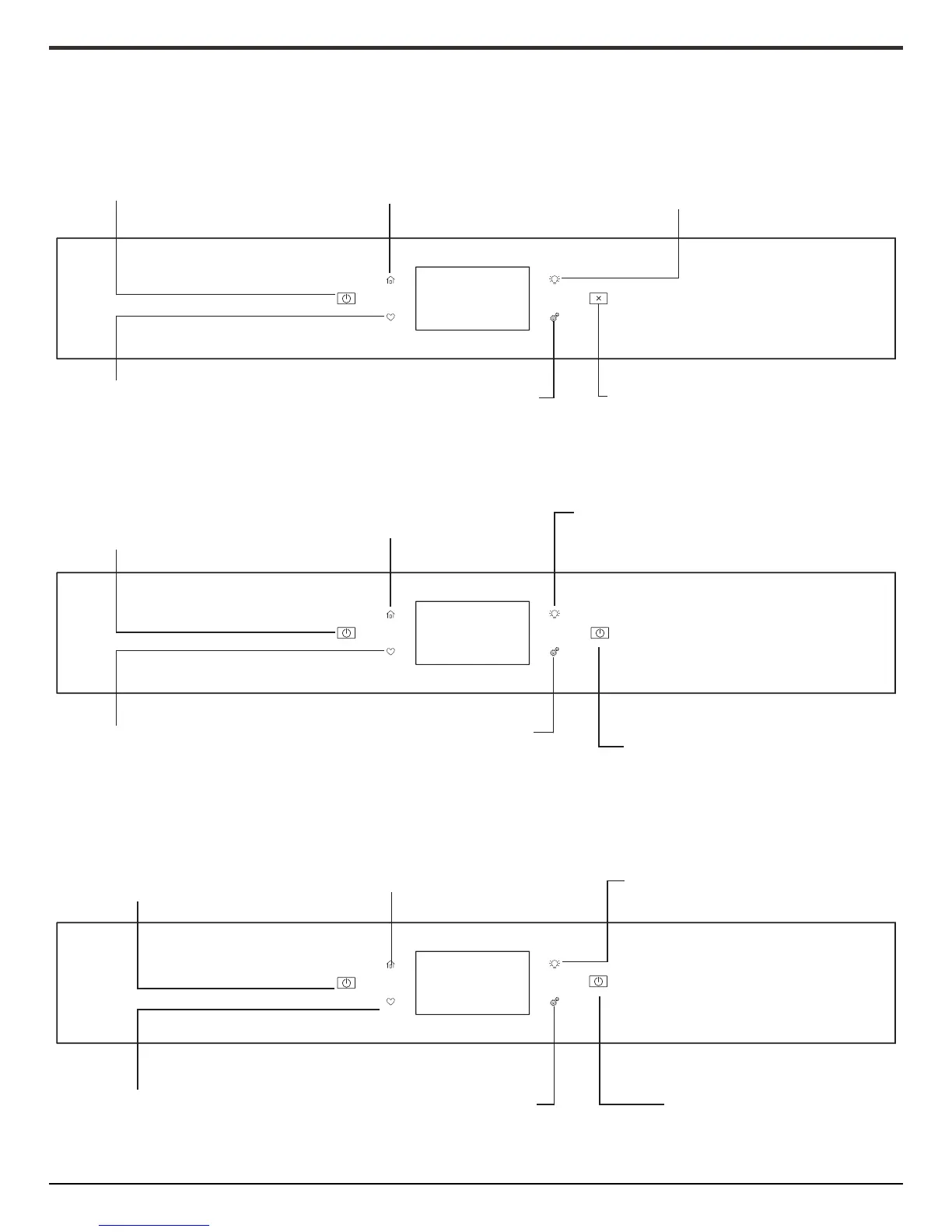
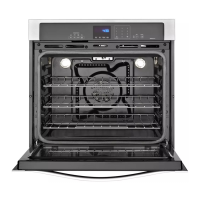
ELECTRIC SINGLE OVEN CONTROL PANEL
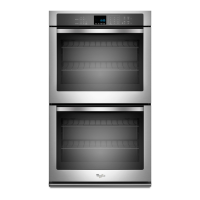
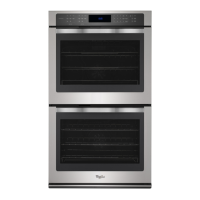
ELECTRIC DOUBLE OVEN CONTROL PANEL
Oven Power: The Oven Power
keypad begins oven function
and wakes it from sleep mode.
Home: If pressed once, it enables the user to return to
the “Cooking Methods” and “Assisted Cooking” screen. If
pressed twice, the time of day is displayed.
Oven Light: The oven light is controlled by a keypad on the oven
control panel. While the oven door is closed, press the Oven
Light keypad to turn the light on and off. When the oven door is
opened, the oven light will automatically turn on.
Favorites: The Favorites keypad
allows the user to save the cycles
that they use on a frequent basis.
Tools: Enables you to personalize the audible
tones and oven operation to suit your needs. See
the “Tools” and “More Modes” sections.
Oven Cancel: The Oven Cancel keypad stops
any oven function except the Clock, Timer,
and Control Lock in the selected oven.
UPPER
LOWER
Upper Lower: The Upper and Lower keypad turns the
selected oven on and wakes it from Sleep mode. If the
selected oven is already on, the Upper or Lower keypad
stops any oven function except the Clock, Timer, and
Control Lock in the selected oven.
Home: If pressed once, it enables the user
to return to the “Cooking Methods” and
“Assisted Cooking” screen. If pressed twice,
the time of day is displayed.
Oven Light: The oven light is controlled by a keypad on the oven
control panel. While the oven door is closed, press the Oven Light
keypad to turn the light on and off. When the oven door is opened,
the oven light will automatically turn on.
Favorites: The Favorites keypad allows
the user to save the cycles that they
use on a frequent basis.
Tools: Enables you to personalize the audible tones
and oven operation to suit your needs. See the
“Tools” and “More Modes” sections.
Upper Lower: The Upper and Lower keypad turns the
selected oven on and wakes it from Sleep mode. If
the selected oven is already on, the Upper or Lower
keypad stops any oven function except the Clock,
Timer, and Control Lock in the selected oven.
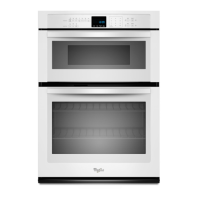
MICROWAVE
OVEN
Microwave Power/Cancel: The Microwave Power/Cancel
keypad turns the Microwave on and wakes it from Sleep
mode. If the microwave is already on, the Microwave Power/
Cancel keypad stops any oven function except the Clock,
Timer, and Control Lock.
Home: If pressed once, the Home keypad
enables the user to return to the “Cooking
Methods” and “Assisted Cooking” screen. If
pressed twice, the time of day is displayed.
Oven Light: The oven light is controlled by a keypad on the
oven control panel. While the oven door is closed, press
the Oven Light keypad to turn the light on and off. When
the oven door is opened, the oven light will automatically
turn on.
Favorites: The Favorites keypad allows the
user to save the cycles that they use on a
frequent basis.
Tools: Enables you to personalize the audible
tones and oven operation to suit your needs.
See the “Tools” and “More Modes” sections.
Microwave Power/Cancel: The Microwave
Power/Cancel keypad turns the Microwave
on and wakes it from Sleep mode. If the
microwave is already on, the Microwave
Power/Cancel keypad stops any oven function
except for the Clock, Timer, and Control Lock.





 To Next Page