WiiM Amp Pro User Manual Version 1.2 1/21/2025
23
Scenario 1: Analog Line In Audio Source Input (CD Player, Turntable with
a Built-in Preamp, or PC)
The Line In interface on the WiiM Amp Pro is typically used to connect to a CD Player,
Turntable with a built-in preamp, or PC to receive analog audio input.
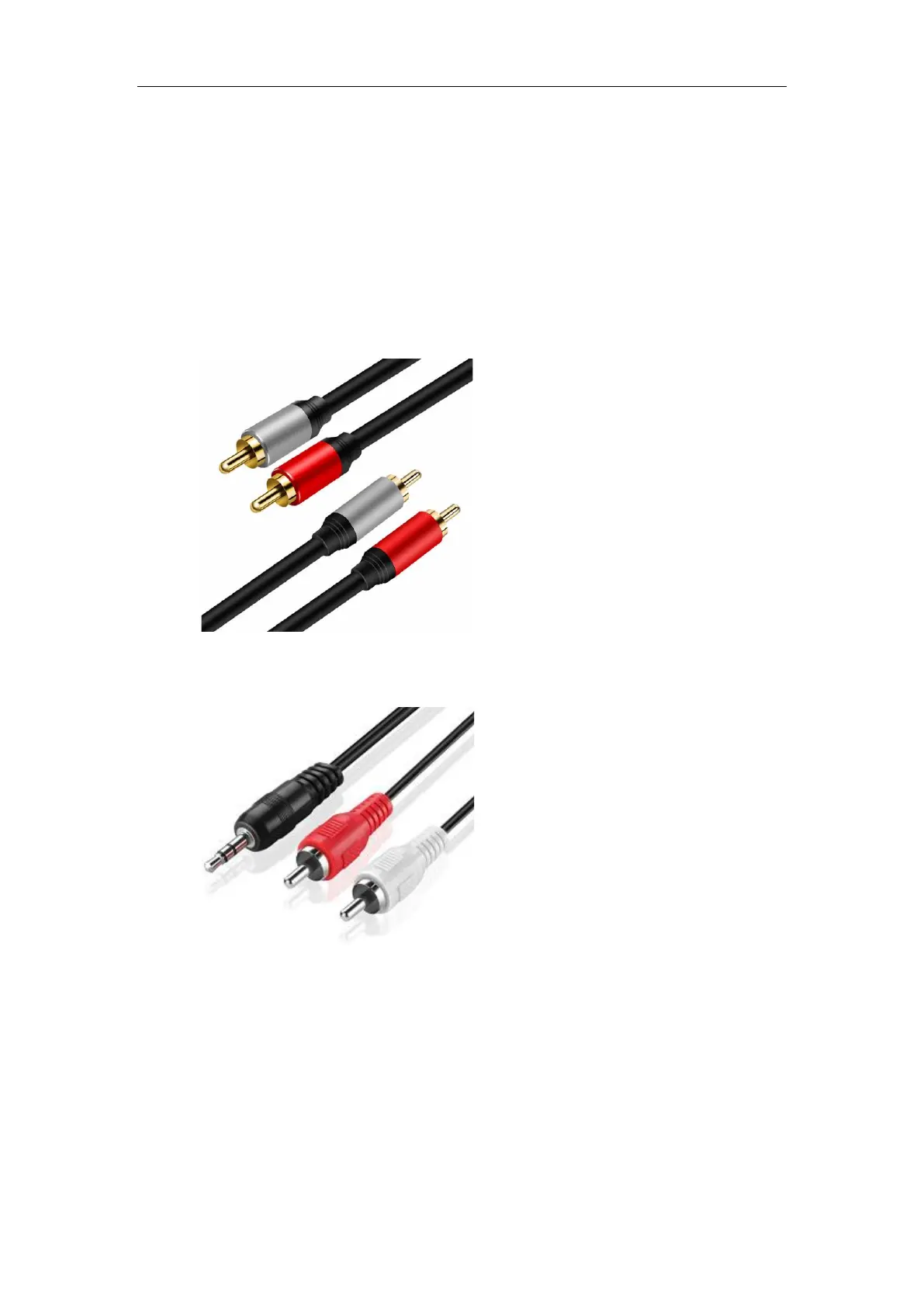
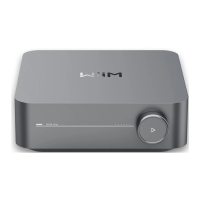
Cable Requirement: One of the following two types of cables might be used.
⚫ An RCA-to-RCA cable as below:
⚫ An Aux-to-RCA cable as below:
Cable Connection Steps:
1. Plug RCA connectors on one end of the cable into the Line In port on the WiiM
Amp Pro.
2. Plug the other end of the cable into the AUX or Line Out port on your audio
source (CD player, turntable, TV, or PC).


 To Next Page