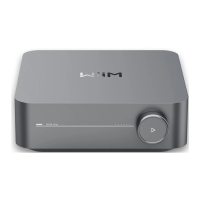
WiiM Amp Pro User Manual Version 1.2 1/21/2025
37
6. WiiM Amp Pro Configuration
Select Audio Input Source and Configure Audio Input
1. Open the WiiM Home app.
2. Navigate to the Devices tab.
3. Tap the Device Settings icon of the WiiM Amp Pro.
4. Under the Sound section, select Audio Input.
5. Select the audio input source.
6. Adjust other settings depending on your preference and selected input source:
⚫ Auto-sensing of Line, Optical In, and HDMI
⚫ Optical/HDMI Audio De-noising
⚫ Per-source Pre-Gain and Volume Control
⚫ Line-In Input Resolution
⚫ HDMI-CEC Power Control


 To Next Page