WiiM Amp Pro User Manual Version 1.2 1/21/2025
59
Google Cast Multi-room Audio
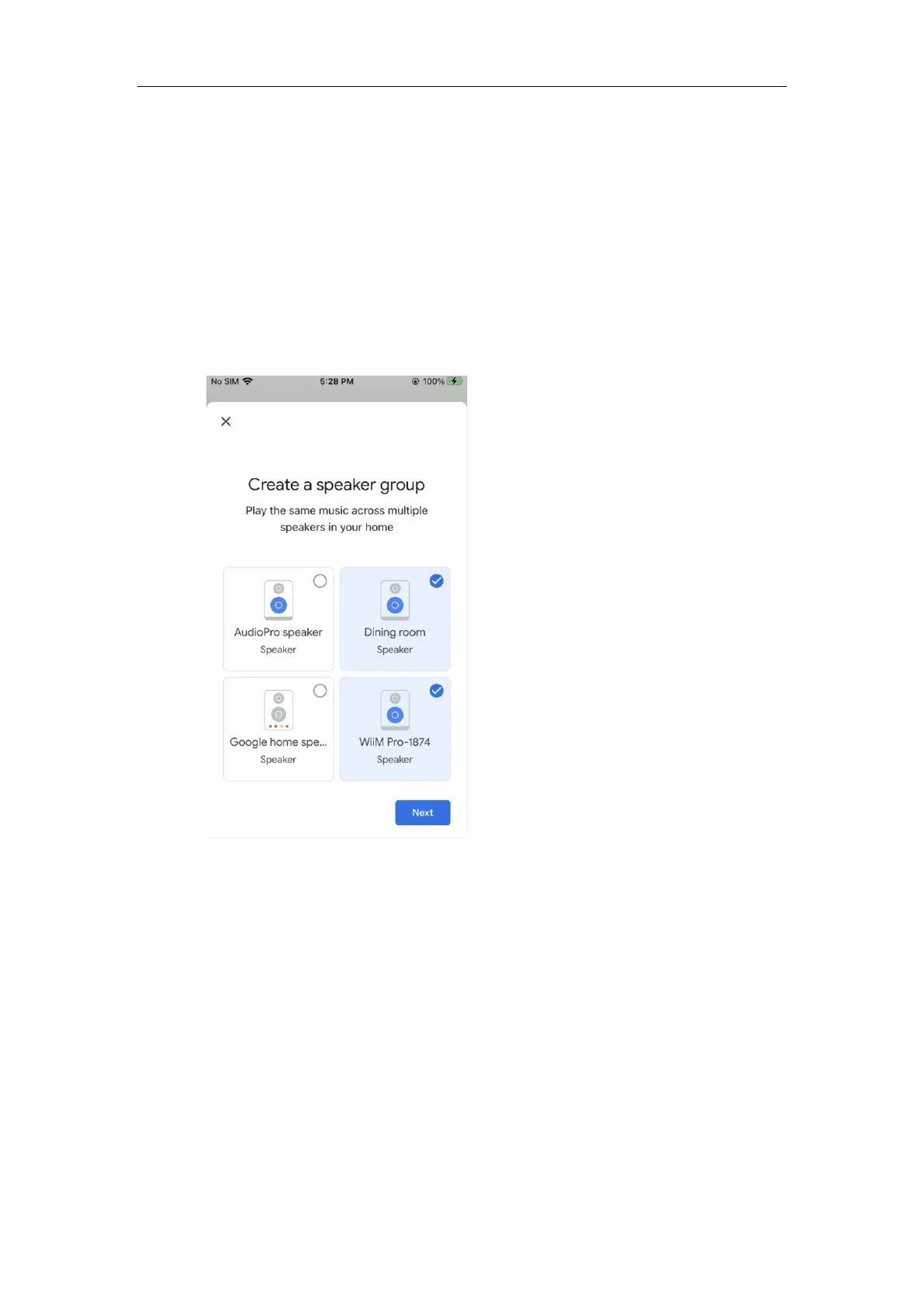
You can group the WiiM Amp Pro with other Google Home or Google Cast enabled devices
to play the same music on all devices via the Google Home app.
1. Open the Google Home app.
2. Tap the + icon in the top left corner.
3. Tap Create speaker group to create a speaker group.
4. Select the devices that are in the same network.
5. Assign a name to your group (e.g., "Living Room").
6. Stream music to the group.
Note: When using with Google Cast audio devices, the WiiM Amp Pro functions as an
audio receiver and cannot transmit its physical audio inputs (e.g., Line In or Optical In) to
these Google Cast audio devices.


 To Next Page