WiiM Amp Pro User Manual Version 1.2 1/21/2025
26
Scenario 3: HDMI ARC Audio Source Input (TV)
The HDMI ARC interface on the WiiM Amp Pro is typically used to connect to a TV to
receive audio input.
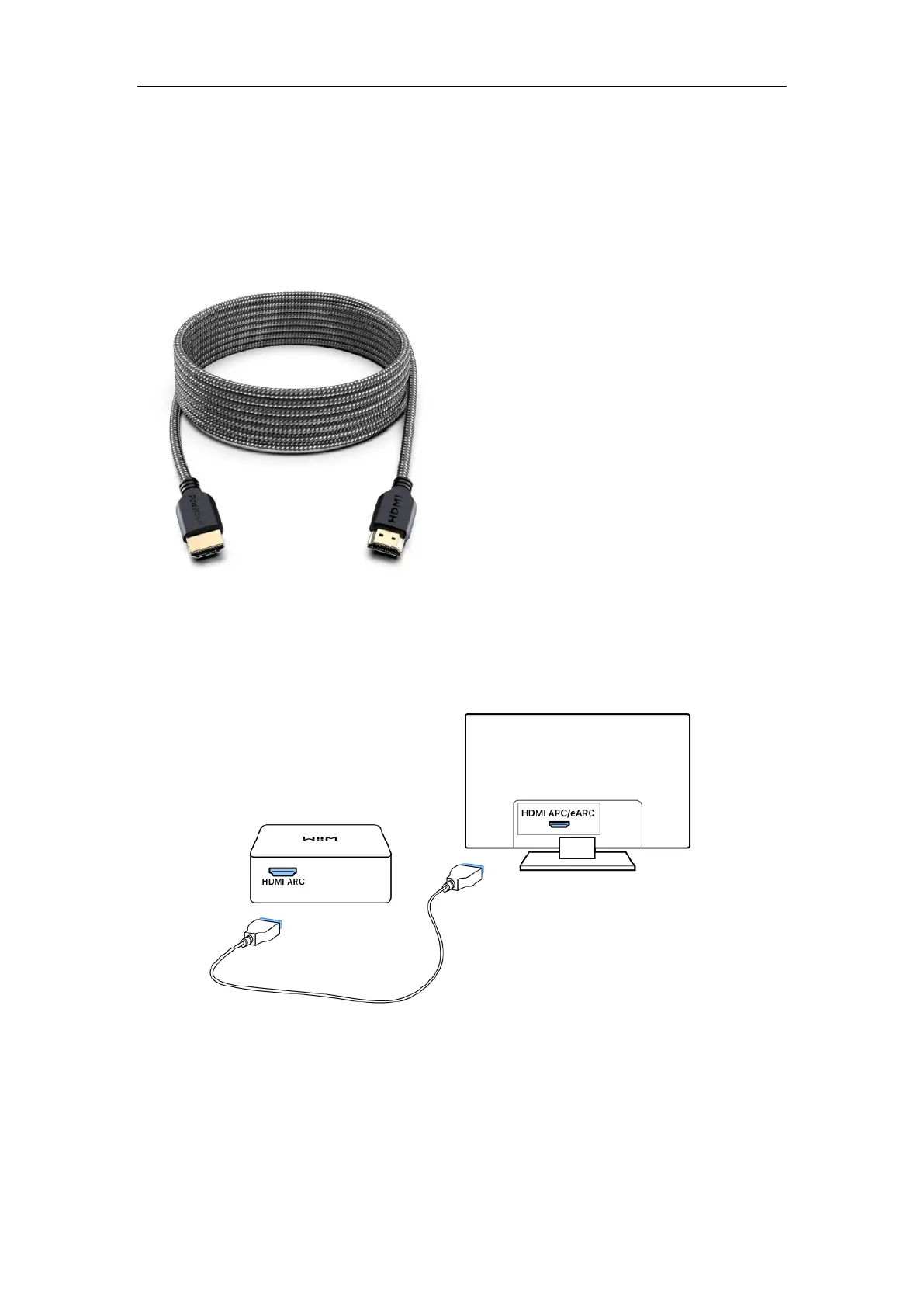
Cable Requirement: use an HDMI cable as below:
Cable Connection Steps
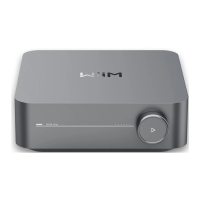
1. Plug one end of the HDMI cable to the HDMI ARC port on the WiiM Amp Pro.
2. Plug the other end of the cable to the HDMI ARC/eARC port on the TV.
Note: The HDMI ARC interface on the WiiM Amp Pro only supports PCM and Dolby
Digital 5.1 audio formats. Please ensure that the audio source device connected to the
WiiM Amp Pro is set to output audio in PCM or Dolby Digital 5.1 format. Otherwise, you
may not hear sound.


 To Next Page