WiiM Ultra User Manual Version 1.2 12/30/2024
54
7. Audio Output/Input via Bluetooth
Audio Output via Bluetooth
You can use the WiiM Ultra as a Bluetooth source device, enabling seamless pairing with
your Bluetooth speakers.
Follow these steps to complete the Bluetooth pairing procedure for audio output:
1. Open the WiiM Home app on your iOS or Android device.
2. Select the Devices tab.
3. Tap the Device Settings icon of the WiiM Ultra.
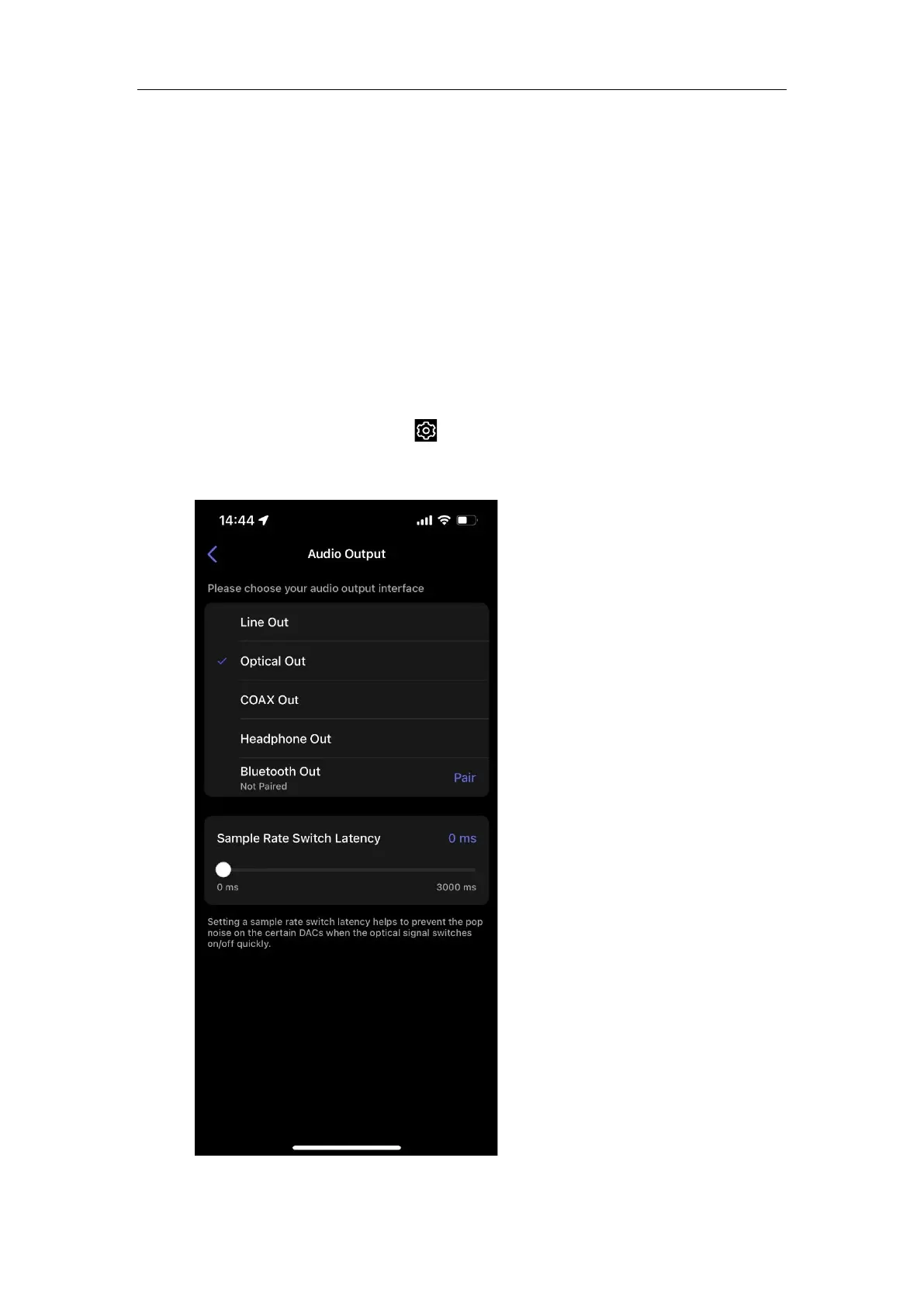
4. Select Audio Output, then tap Pair next to Bluetooth Out to initiate pairing.



 To Next Page