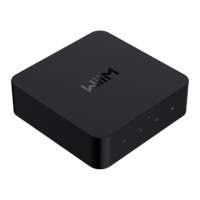
WiiM Ultra User Manual Version 1.2 12/30/2024
67
Amazon Alexa Multi-room Audio
1. Open the Amazon Alexa app on your smartphone or tablet.
2. Tap Devices at the bottom of the screen.
3. Tap the + icon in the top right corner of the screen.
4. In the menu that appears, choose Combine speakers, then select Multi-room
music.
5. Select the Echo and WiiM devices you want to include in your multi-room music
setup, then tap Next.
6. Assign a group name for the multi-room music setup (e.g., "Bedroom").
7. Follow the on-screen prompts to complete the setup.
Note: When used with Amazon Echo or other Amazon devices, the WiiM Ultra functions
as an audio receiver and cannot transmit its physical audio inputs (e.g., Line In or Optical
In) to these Amazon devices over Wi-Fi.



 To Next Page