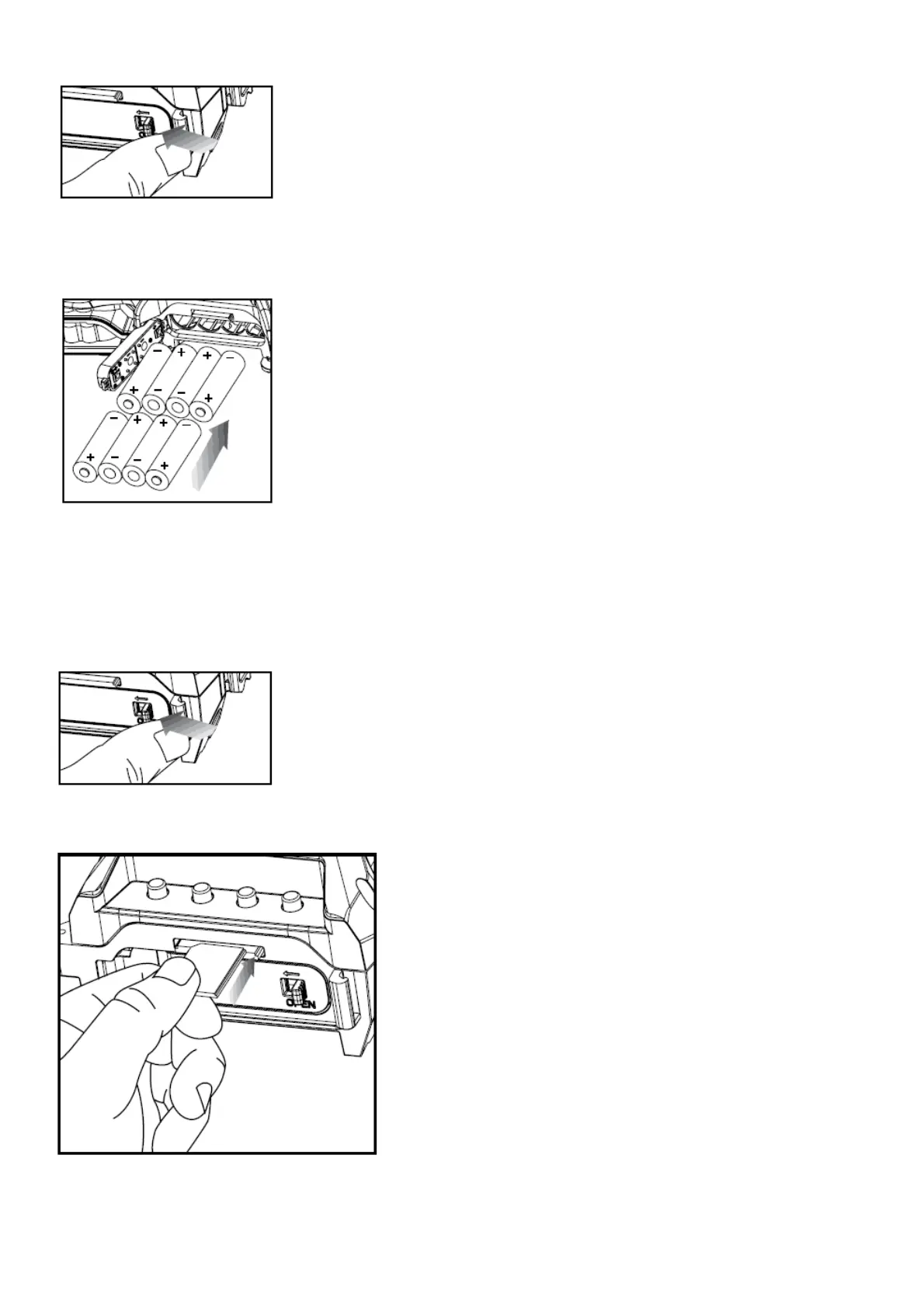
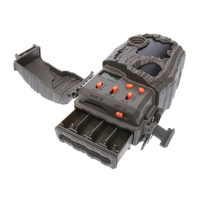
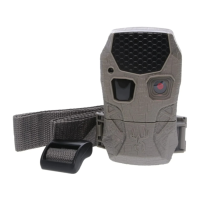
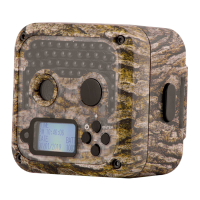
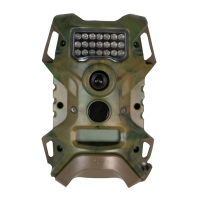
2. With the camera facing open, open the battery compartment cover by sliding the latch to the left.
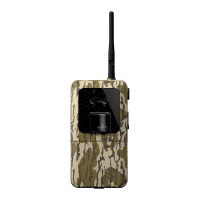
3. With the bottom of the camera towards you, Make sure to insert the batteries into the camera with the positive
ends towards you where marked positive and the negative ends towards you where marked negative.
NOTE:
Do not mix old and new batteries. Do not mix alkaline, standard (carbon-zinc) or rechargeable (nicad, ni-mh, etc)
batteries.
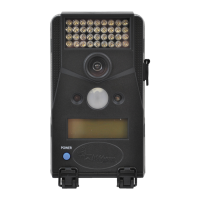
4. Close battery compartment cover. To latch the cover simply pull the latch slightly to the left as you close the
battery compartment cover.
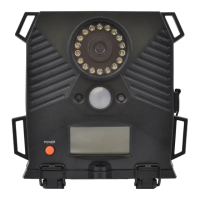
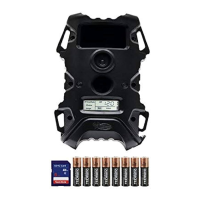
5. Load SD memory card (up to 32GB) into the SD card slot with the connectors facing up.
IMPORTANT:
Make sure the camera is powered off before removing or installing an SD card.


 To Next Page