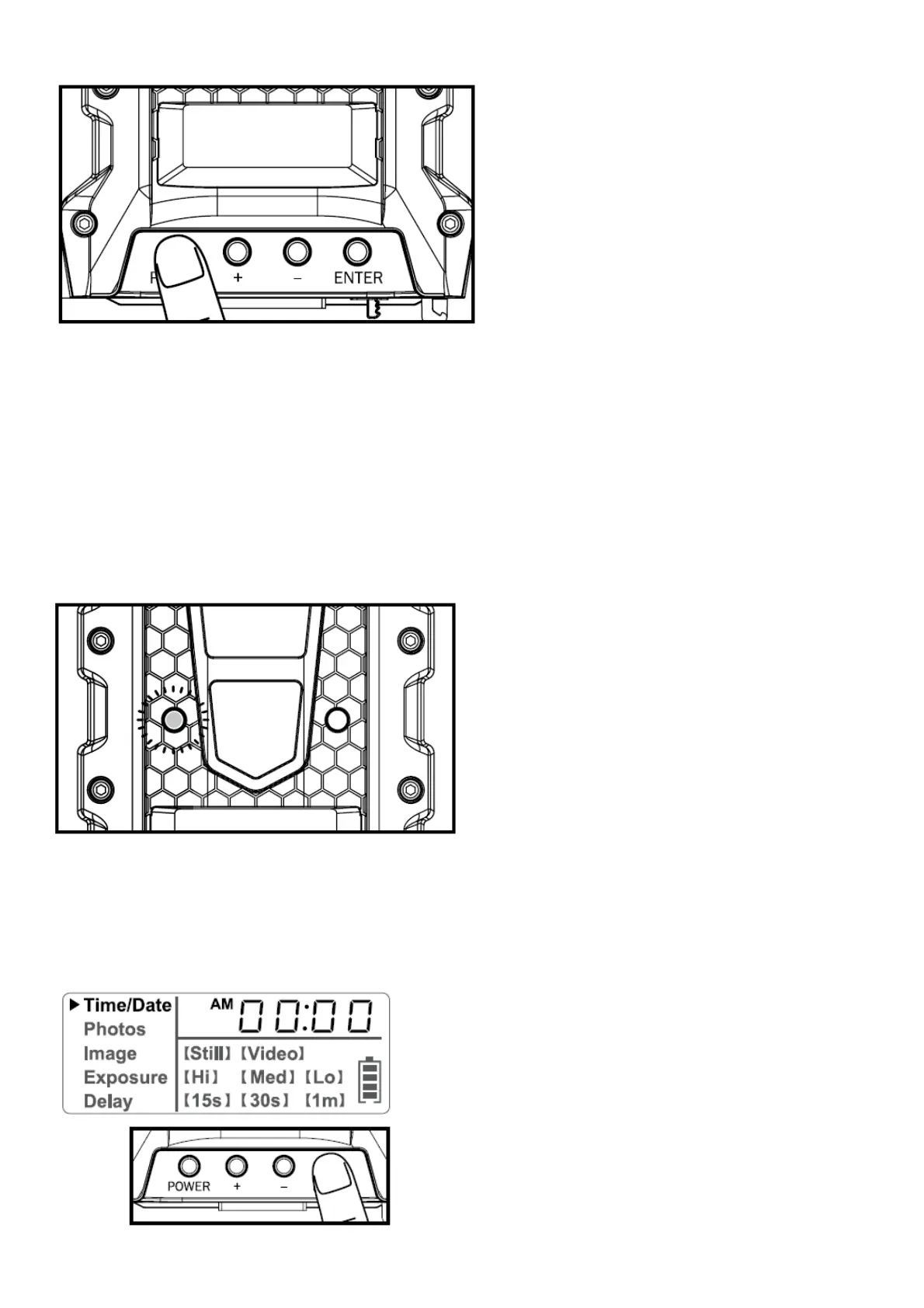
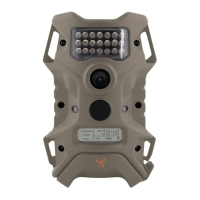
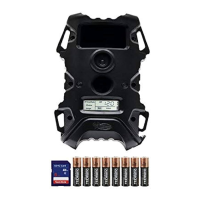
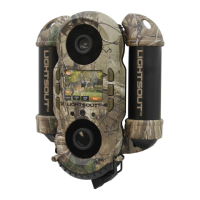
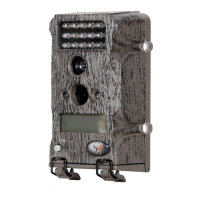
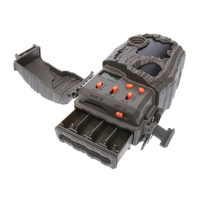
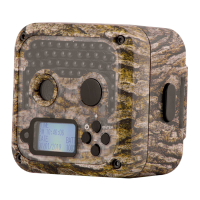
2. The LCD screen can be awakened by pressing the Power button briefly.
NOTE:
The LCD will not “wake up” when camera is writing to memory.
Test Mode
1. LCD Ready Mode: The camera will automatically enter Ready Mode if a button is not pressed for greater than 30
seconds.
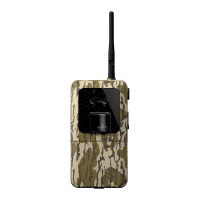
2. LED Status Light: During the first 30 seconds of the LCD Ready Mode, the red light will illuminate when a PIR
event is triggered. After the LCD turns off, the red light will blink 2-3 seconds when photo is taken. After 2 minutes, all
indicator lights will turn off until a button is pressed.
Settings
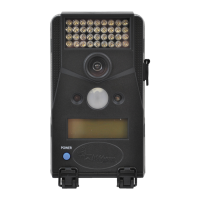
TIME:
1. To change date and time, start by pressing and releasing the enter navigation button to set the hour.


 To Next Page