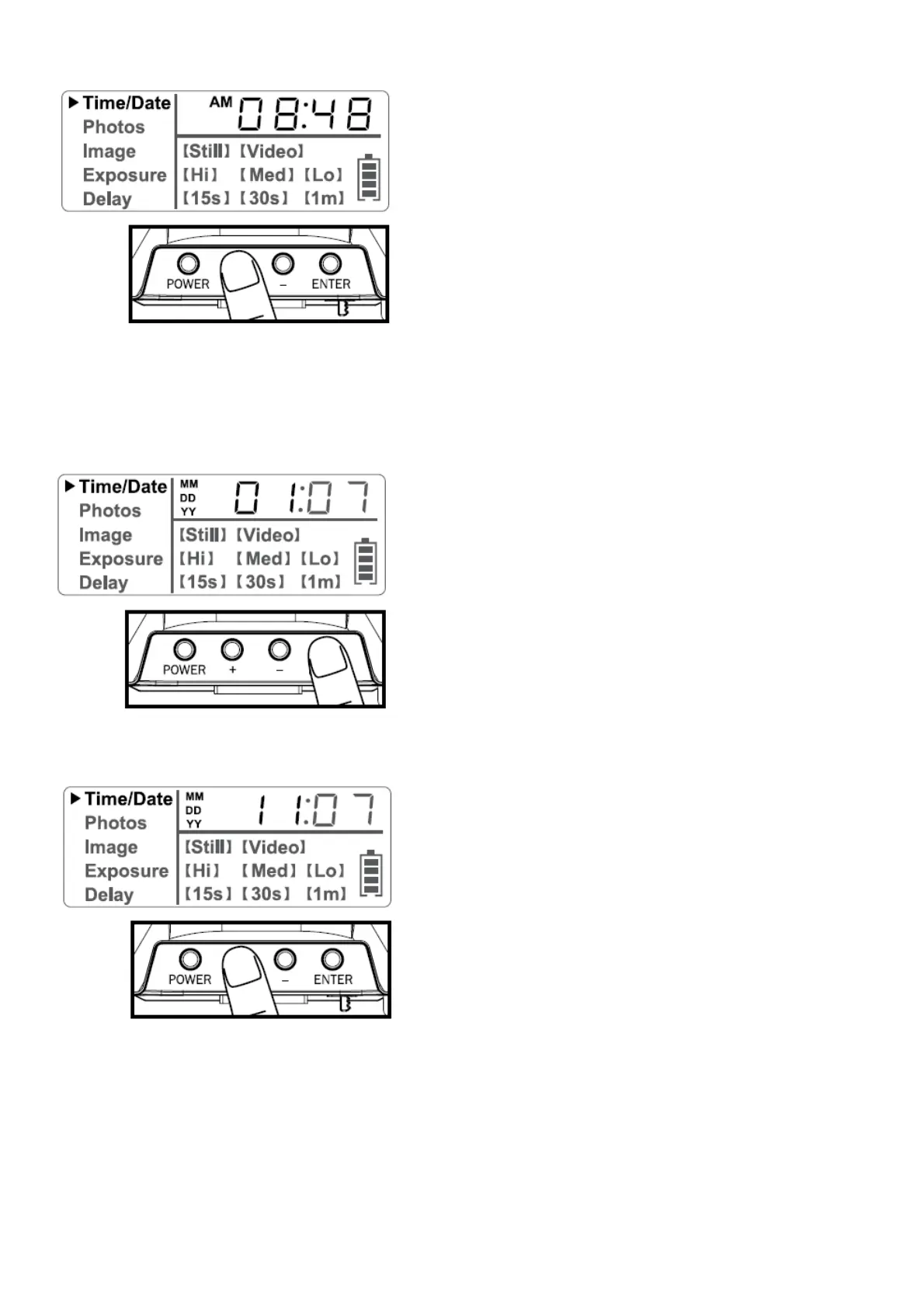
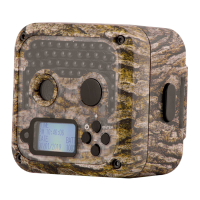
2. Press the + or – navigation button to go up or down in sequence.
3. When the hour is set, repeat steps 1 and 2 to set the minutes.
DATE:
1. Press the enter navigation button after setting the minute to change the Date.
2. Press the + or – navigation button to go up or down in sequence.
3. When the Month is set, repeat steps 1 and 2 to set the Day and Year.
Photos
1. Press and release the enter navigation button to choose Photos. The number displayed is the number of photos on
your SD card. This is not a programmable mode for the camera.


 To Next Page