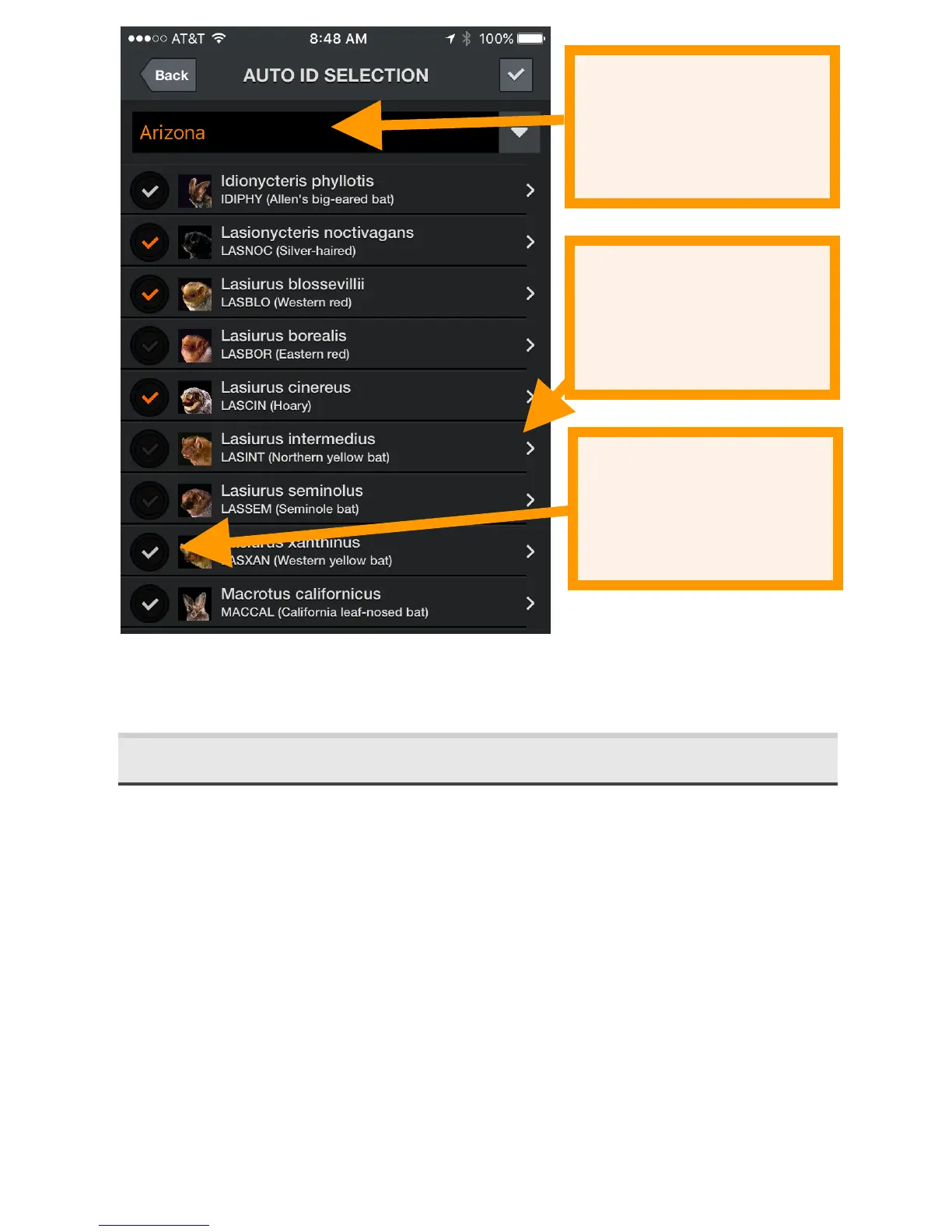
After you select the bats to identify, you can automatically
identify them in LIVE MODE.
2.5 Recording'in'Live'Mode'
There are two methods of initiating a recording; using triggers
and manually. Using triggered recording, a recording is
triggered only when bat activity is detected and is ended
when there is no activity or 15 seconds have elapsed,
whichever comes first. As long as recording is turned on, the
device records automatically when bats are present, even
when the app is running in the background. There is also a
small manual record button which you can use to initiate a
recording. This can be used on its own or while triggered
recording is activated if the trigger misses something. When
you press the manual button, a recording starts 5 seconds
back in time and continues until you hit the button again or


 To Next Page