2.1 Connecting'the'Ultrasonic'Module'
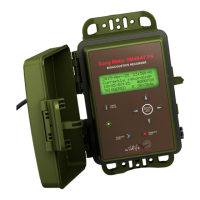
The Echo Meter Touch Ultrasonic Modules sense ultrasonic
signals, digitize the signal, and transmit the ultrasonic data to
the Android phone or tablet.
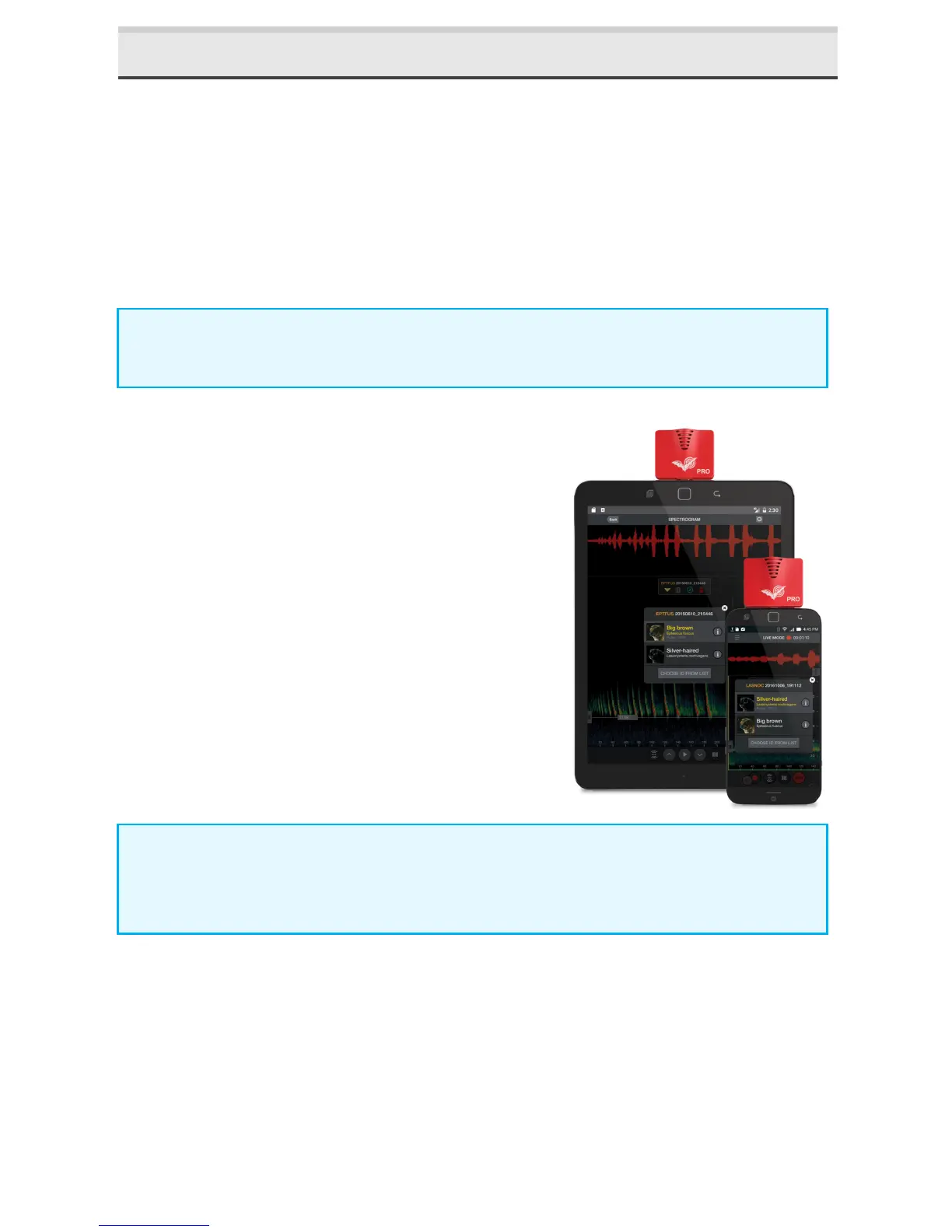
Plug an Ultrasonic Module into the micro-USB connector of
your Android device and you can immediately start listening
to, recording, and identifying bats.
NOTE: Devices with USB-C ports will require a female micro-
USB to male USB-C adapter.
1. Plug the Ultrasonic Module into
the micro-USB connector of your
Android device.
2. The Android device asks you to
open the Echo Meter Touch app if
it is not already open.
3. Press the START button to begin
streaming the ultrasonic data.
NOTE: The module should be pointed in the general direction
of the bats which requires the Android device to be turned
upside down as shown above.
'


 To Next Page