2.6 The'Recording'List'
Here you can see a list of all of your recordings. The list can
be sorted by Time or Species. The latter is useful to sort by
species for identified recordings or to sort out noise or NO_ID
recordings. Tapping again will reverse the sort order. Tap
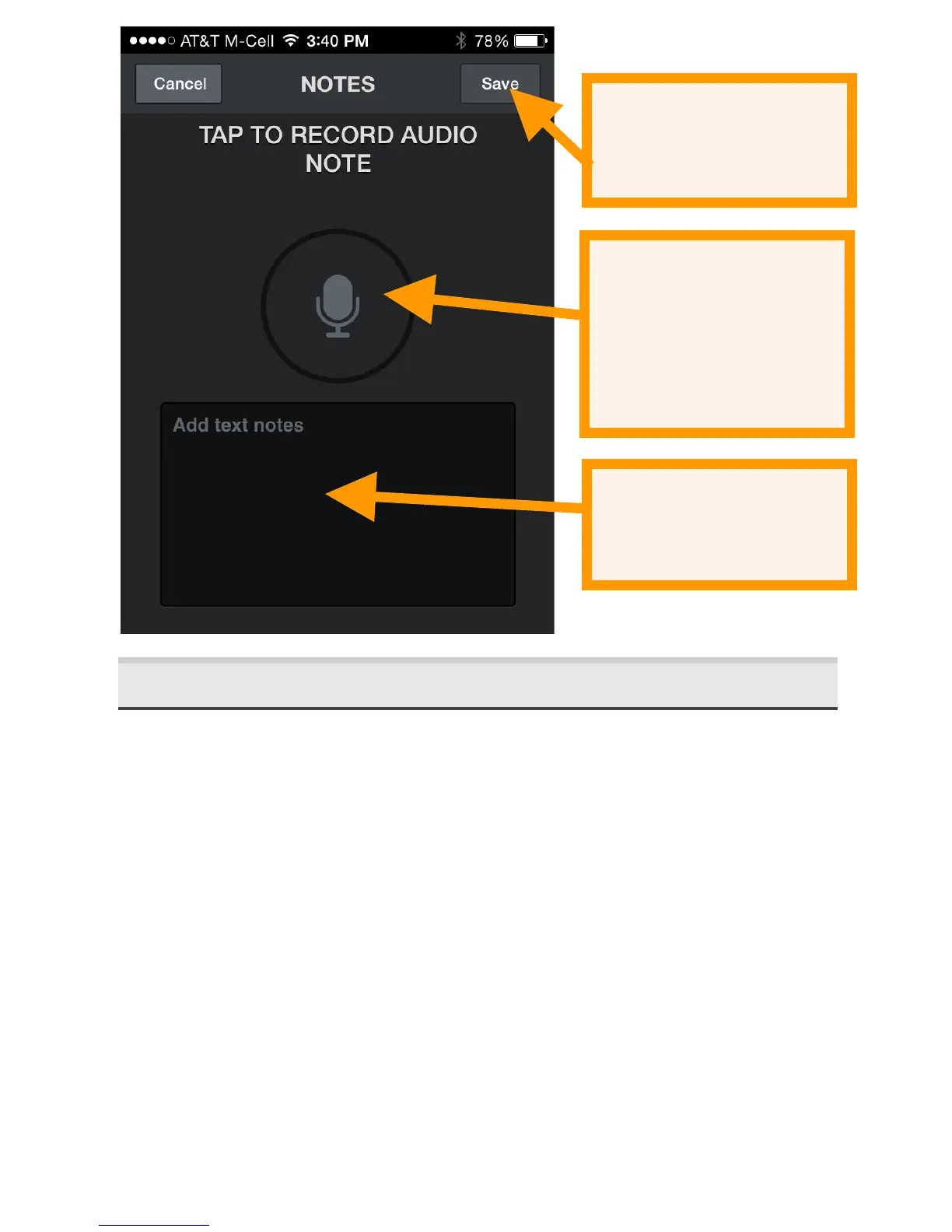
on a recording in the list to view the spectrogram or leave
notes. If you are monitoring and recording in the background
you will be advised that you are leaving Live Mode.
Tap the Edit button at the top right to delete recordings,
transfer recordings to your computer via Wi-Fi, share
recordings or identify the bat species in the recordings. Press
a box to individually ‘check it’ in the list. You can select
multiple recordings from the list by checking the box of any
recording, then pressing and holding the checkbox of any


 To Next Page