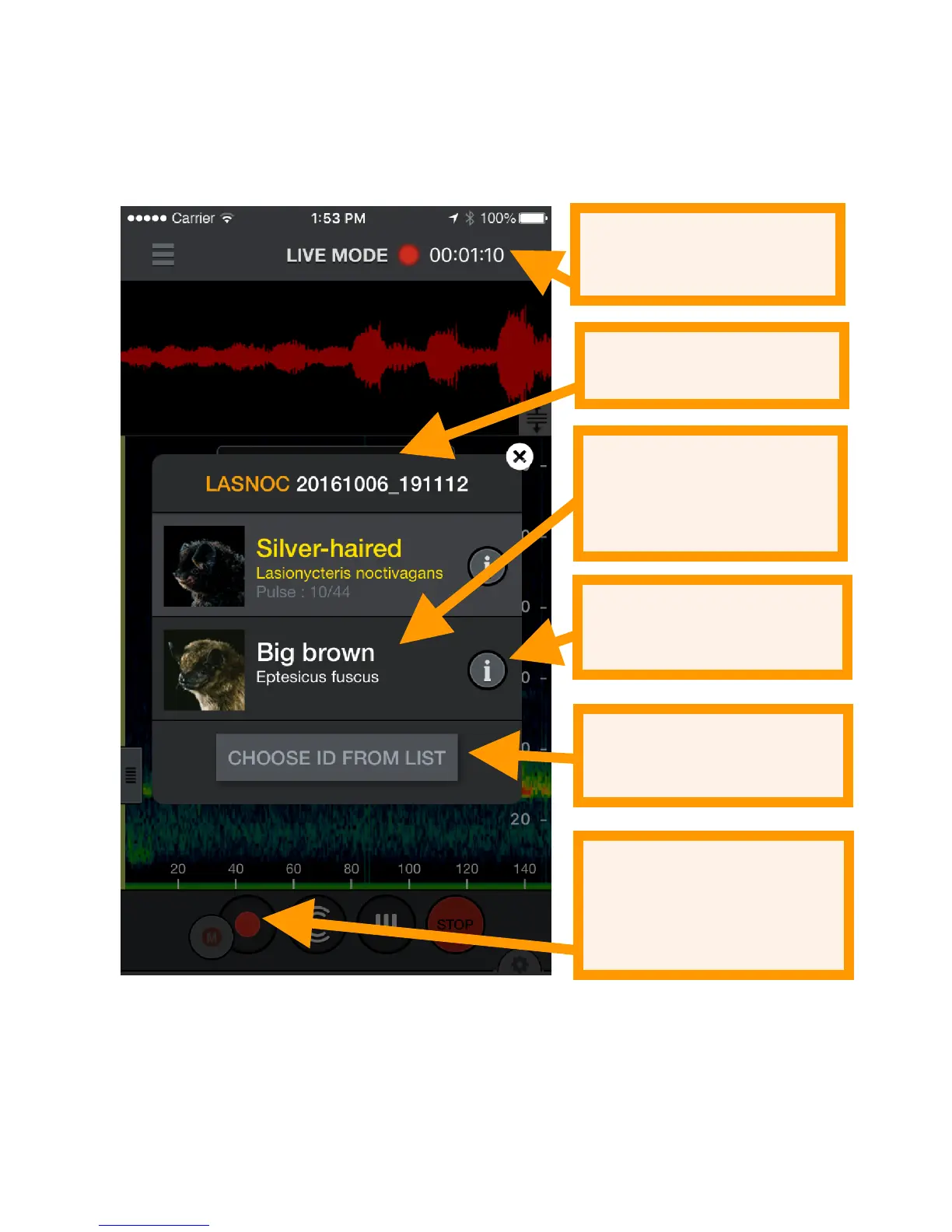
to the recording name. You can rerun Auto-ID if you should
choose to select different bat species to ID. In addition, from
the recording you can choose another label from your
selected bat species by pressing the yellow bat in the
recording label.
Tap the recording label icon to open the NOTES page. Voice
and text notes are saved as metadata in the recording so they
can be transferred with the recording to a computer.


 To Next Page